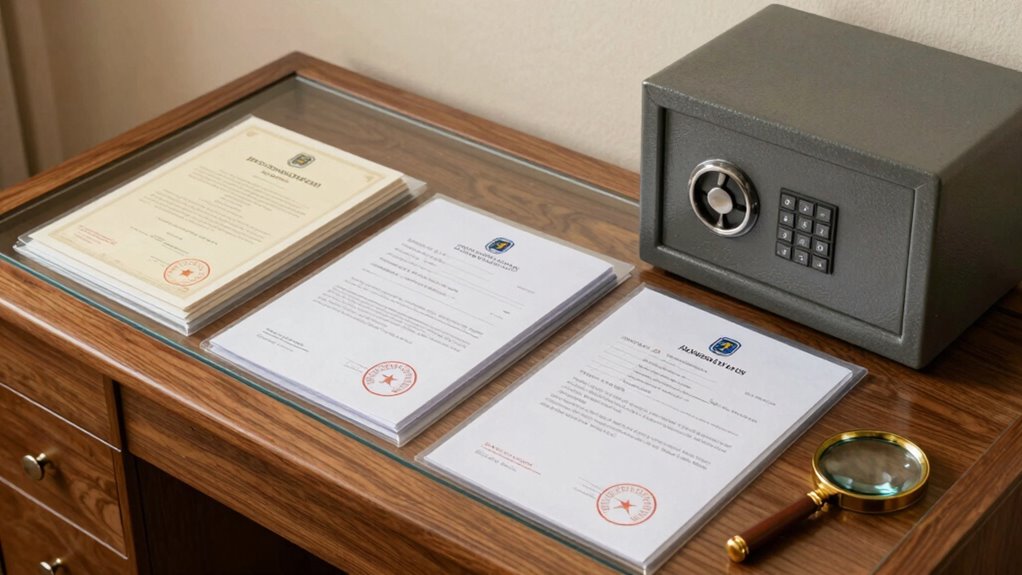

To protect your certificates, invoices, and provenance records at home, digitize them using a high-quality scanner and store copies securely in a cloud service or on an external drive. Keep physical documents in acid-free folders within a fireproof, waterproof safe stored in a discreet location. Use strong passwords and enable two-factor authentication for digital files. Stay aware of preservation techniques and regularly review your storage system—more tips await those ready to learn even more.

Prime made for students and young adults
- Fast, free delivery for dorm and study essentials
- Prime Video and Amazon Music included
- Member-only deals
Key Takeaways
- Digitize important documents using high-quality scanners and store digital copies securely in the cloud or external drives.
- Protect digital files with strong passwords, two-factor authentication, and regular software updates.
- Store physical certificates and records in fireproof, waterproof safes, organized in acid-free folders with clear labels.
- Regularly review and update storage systems, removing outdated documents and avoiding exposure to sunlight or humidity.
- Maintain a detailed inventory of stored documents and keep critical records in a discreet, secure location.
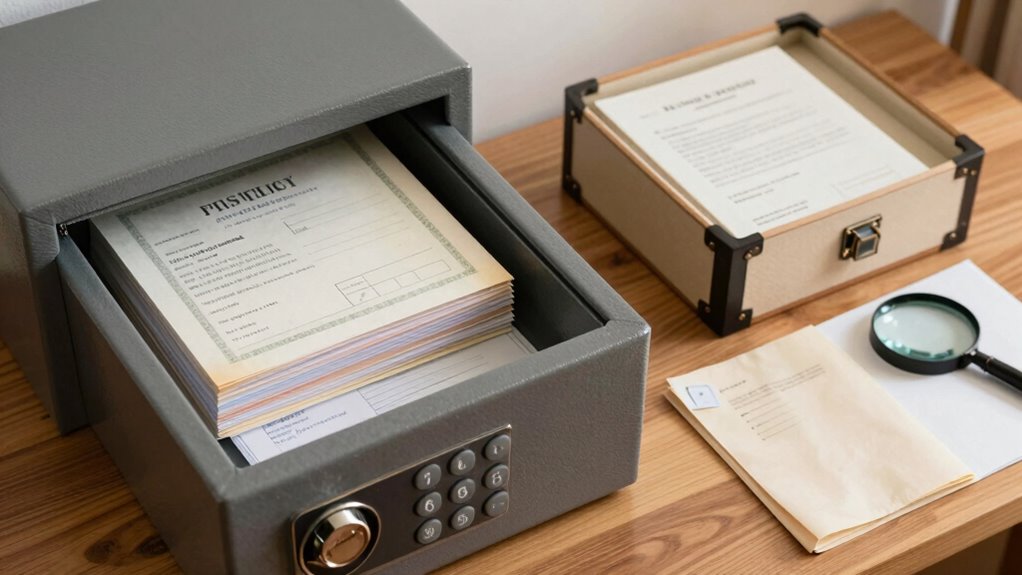
Keeping your important certificates and records safe at home is essential to prevent loss, theft, or damage. Whether it’s diplomas, invoices, or provenance records, protecting these documents requires a combination of digital security and physical storage strategies. First, consider digitizing your vital records. Use a high-quality scanner to create clear, legible copies of certificates, receipts, and other essential documents. Digital copies are easier to back up and more resistant to physical damage like fire or water. Once digitized, store these files in a secure cloud service or an external hard drive kept in a safe, discreet location. This approach guarantees you have access to your records even if the original is lost or damaged.
Safeguard your essential records with digital backups stored securely and discreetly.
However, digital security isn’t just about backups. Protect your digital files with strong, unique passwords, and enable two-factor authentication when available. Regularly update your software and antivirus programs to shield your digital records from cyber threats. Be cautious about sharing sensitive information online and avoid leaving digital copies in insecure locations or unsecured email accounts. By combining digital security with proper physical storage, you create a layered defense for your important documents. Incorporating digital security best practices can significantly reduce the risk of unauthorized access. Additionally, educating yourself about document preservation can help prevent deterioration and ensure longevity. Understanding proper storage techniques is also crucial for maintaining the integrity of your physical documents over time.
Physical storage remains essential, even if you rely heavily on digital backups. Invest in a fireproof and waterproof safe that is sturdy enough to deter theft or accidental damage. Place the safe in a discreet location, away from windows or areas prone to flooding. Use acid-free folders or envelopes to organize your certificates and records, preventing paper deterioration over time. Label everything clearly so you can easily locate specific documents when needed. For added security, store original documents separately from copies and keep a detailed inventory of what’s stored where. Additionally, consider using proper preservation techniques to extend the lifespan of your physical documents and prevent deterioration. Regularly reviewing and updating your storage system will help you stay organized and prepared for any unforeseen events.
In addition to a safe, consider maintaining a small, secure fireproof box or a lockbox for the most critical certificates, such as birth certificates or passports. Regularly review and update your storage system, removing outdated or unnecessary documents. Keep digital copies synchronized with physical records, so they are always current and complete. It’s also helpful to stay informed about document preservation**** best practices, such as avoiding exposure to direct sunlight or high humidity. Combining vigilant digital security measures with well-planned physical storage will give you peace of mind, knowing your important certificates and records are protected at home against a variety of risks.
fireproof waterproof document safe
As an affiliate, we earn on qualifying purchases.
As an affiliate, we earn on qualifying purchases.
Frequently Asked Questions
How Often Should I Review and Update My Protection Methods?
You should review and update your protection methods at least twice a year. Regularly check your document organization to guarantee all records are current and properly stored. Strengthen access control by updating passwords and limiting physical access. This way, you reduce the risk of loss or theft. Frequent reviews keep your protection strategies effective, adapting to any changes in your environment or technology, and help maintain the security of your important certificates, invoices, and provenance records.
What Are the Best Digital Backups for Physical Documents?
Think of digital backups as your fortress, safeguarding your valuables. Use reliable cloud storage services to keep copies accessible yet secure. Implement strong encryption methods to shield your documents from prying eyes, like a secret code only you can decipher. Regularly update your backups and choose providers with robust security measures. This way, your certificates, invoices, and provenance records stay protected, even if physical copies are lost or damaged.
How Do I Prevent Fire Damage to Important Records?
To prevent fire damage to your important records, store them in fireproof storage or a fire-resistant safe. These safes are designed to withstand high temperatures and protect sensitive documents from flames and heat. Keep your records in a secure, easily accessible location within your home. Additionally, consider backing up digital copies in a secure cloud or external drive stored in a separate fire-resistant container for added protection.
Are There Specific Storage Containers Ideal for Certificates?
Yes, archival boxes are ideal for storing certificates because they’re designed to protect documents from light, dust, and moisture. You’ll want to use acid-free sleeves inside the boxes to prevent deterioration over time. These specialized containers help preserve the quality of your important records, making it easier to keep them safe at home. Investing in quality archival storage guarantees your certificates stay pristine and intact for years to come.
How Can I Ensure Privacy When Sharing Records With Others?
To guarantee privacy when sharing records, you should use encryption techniques to secure digital copies before sending them. Also, implement access controls by setting permissions that restrict who can view or edit your documents. Always verify the recipient’s identity and use secure platforms for sharing. These steps help protect sensitive information from unauthorized access, giving you peace of mind that your certificates, invoices, and provenance records stay private.
acid-free document storage folders
As an affiliate, we earn on qualifying purchases.
As an affiliate, we earn on qualifying purchases.
Conclusion
By taking simple steps to safeguard your certificates, invoices, and provenance records, you guarantee they withstand the test of time—like a trusty steed in a medieval tapestry. Store them in a fireproof safe or a waterproof container, keep digital backups, and handle them with care. Remember, your meticulous efforts today will pay off tomorrow, protecting your valuable history from the chaos of modern life. Stay vigilant, and your records will remain as enduring as the ancient scrolls.
As an affiliate, we earn on qualifying purchases.
digital document backup external drive
As an affiliate, we earn on qualifying purchases.
As an affiliate, we earn on qualifying purchases.
Fall Picks
fall essentials
As an affiliate, we earn on qualifying purchases.