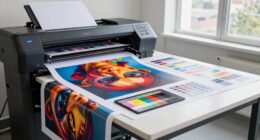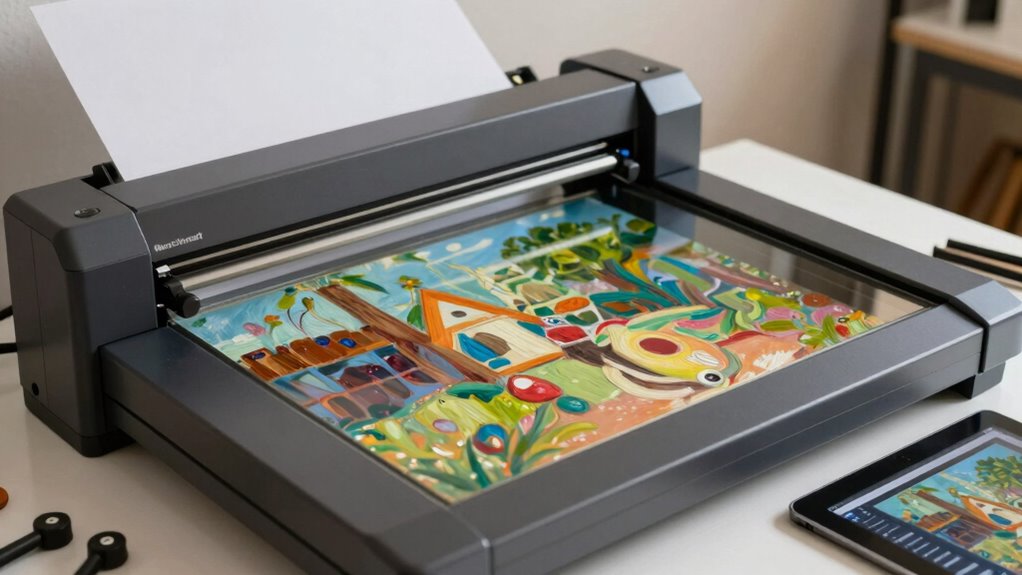

To accurately document and reproduce fine art, focus on proper scanning techniques that guarantee precise color, detail, and consistency. Start by calibrating your scanner and monitor to match the artwork’s colors, preventing discrepancies. Use high resolution settings—around 300-600 DPI—to capture textures and fine details. Balance quality with manageable file sizes, and maintain careful calibration throughout your process. Staying mindful of these essentials will improve your results, and exploring further will reveal even more effective strategies.

Get school and study supplies delivered free — and shop member deals
- Fast, free delivery on millions of items
- Access to Prime Big Deal Days deals on October 6–7
- Prime Video, Amazon Music and more included
Key Takeaways
- Use high-resolution settings (300-600 DPI) to capture detailed textures and brushstrokes accurately.
- Calibrate scanners and monitors to ensure color fidelity and prevent discrepancies during reproduction.
- Maintain consistent lighting and handling techniques to avoid shadows and reflections that can affect scan quality.
- Save digital files in suitable formats for archiving, printing, or sharing, balancing quality and file size.
- Regularly update calibration tools and procedures to ensure ongoing accuracy in digital reproductions.
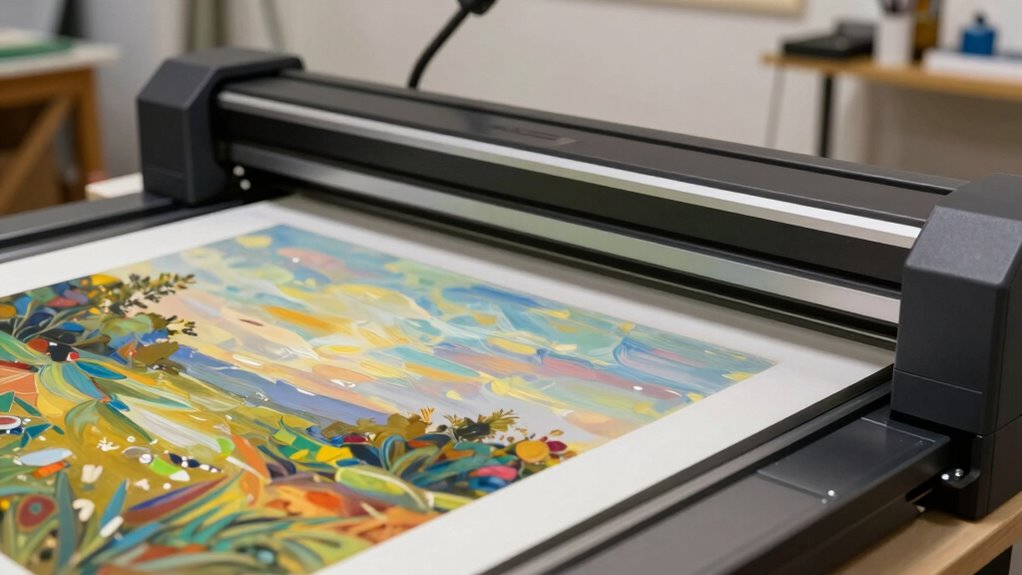
Ever wondered how artists and collectors preserve the true quality of artwork in digital form? It all starts with understanding the fundamentals of fine art scanning, especially when you want to guarantee that every detail, color, and nuance is accurately captured. When scanning artwork, two key elements come into play: color calibration and resolution settings. These are essential for producing high-quality digital reproductions that reflect the original piece as closely as possible. Proper digital preservation practices involve meticulous attention to these details to ensure long-term authenticity. Color calibration involves adjusting your scanner or monitor to make sure that the colors in your digital file match those of the physical artwork. If your calibration isn’t precise, you risk ending up with a scan that looks dull, oversaturated, or simply doesn’t reflect the true hues. To get this right, you should use color calibration tools or calibration targets designed for fine art work. These allow you to set a baseline for color accuracy, making sure your digital images are consistent across different devices and software. When you calibrate your scanner, it effectively learns how to interpret the colors from the artwork and reproduces them faithfully in digital form, which is especially important for artists and collectors who want authenticity. Resolution settings are equally essential. Resolution determines how many pixels are used to create the digital image, directly affecting the detail and clarity of the scan. For fine art documentation, you should aim for a high resolution — typically 300 to 600 DPI (dots per inch) or higher, depending on the size of the piece and the level of detail needed. Higher resolution scans capture intricate brushstrokes, textures, and subtle gradations in color, which are essential for accurate reproduction and archival purposes. Keep in mind that increasing resolution also increases file size, so balance is key. You want enough detail to preserve the artwork’s integrity without creating unwieldy files that are difficult to store or share. Incorporating proper calibration techniques enhances the overall quality of your digital reproductions and helps prevent color discrepancies during the printing process or digital sharing. Additionally, understanding the importance of resolution helps you make informed choices that balance quality with practicality. Achieving color accuracy is a critical step in this process. It’s a process that demands precision and attention to detail but ultimately provides a reliable way to document, reproduce, and preserve fine art. In fact, mastering digital calibration can significantly improve the fidelity of your scans and ensure consistent results across different projects.
professional art scanner with color calibration
As an affiliate, we earn on qualifying purchases.
As an affiliate, we earn on qualifying purchases.
Frequently Asked Questions
How Do I Choose the Right Scanner for My Artwork?
To choose the right scanner, focus on its resolution and color calibration features. Look for a scanner with a high resolution, ideally 600 dpi or higher, to capture fine details. Make certain it offers accurate color calibration for true-to-life reproductions. Consider your artwork’s size—larger pieces need wider beds. Also, check reviews and specs to find a model that balances quality and budget, guaranteeing faithful digital documentation of your art.
What File Formats Are Best for Digital Art Preservation?
For digital art preservation, you should use uncompressed or minimally compressed formats like TIFF or PNG, which maintain color management integrity and high quality. TIFF is ideal because it preserves details without loss, ensuring your artwork’s colors stay true over time. Avoid heavy file compression, as it can compromise image quality. These formats keep your files manageable while ensuring long-term preservation and accurate reproduction of your art’s colors.
How Do I Ensure Color Accuracy During Scanning?
Think of color accuracy as capturing the soul of your artwork. You guarantee it by performing precise color calibration before scanning. Use a calibration target to align your monitor and scanner colors. Set a high scanner resolution to pick up intricate details and true colors. Regularly check and adjust settings to keep your digital images true to life, preserving the artist’s original vision with vibrant, accurate hues.
What Is the Typical Cost of Professional Art Scanning Services?
The cost of professional art scanning services varies depending on the project size, resolution, and detail needed. Typically, pricing variability exists among service providers, with rates ranging from $50 to $500 or more per scan. Some providers charge by the size or offer package deals. To get the best value, compare quotes from different service providers and clarify what’s included to guarantee high-quality, accurate reproductions without overspending.
How Can I Digitally Archive Large or Three-Dimensional Artworks?
They say “a picture is worth a thousand words,” so digital archiving is essential. To archive large or 3D artworks, use high-resolution, multi-angle scans and specialized equipment like 3D scanners or photogrammetry techniques. Follow strict archiving standards to guarantee long-term preservation and art conservation. Proper documentation, metadata, and secure storage guarantee your collection remains accessible, accurate, and protected for future generations.
high resolution flatbed scanner for artwork
As an affiliate, we earn on qualifying purchases.
As an affiliate, we earn on qualifying purchases.
Conclusion
Now that you’ve uncovered the secrets of fine art scanning, you’re equipped to capture masterpieces with precision and care. Think of your scanner as a skilled artist’s brush, delicately preserving every detail like a treasure chest of colors and textures. With this knowledge, your digital reproductions become vibrant echoes of the original, standing tall like guardians of artistry. Embrace the process, and watch your artwork breathe anew in the digital domain, forever preserved in shimmering clarity.
artwork calibration target for digital scanning
As an affiliate, we earn on qualifying purchases.
As an affiliate, we earn on qualifying purchases.
monitor calibration tool for artists
As an affiliate, we earn on qualifying purchases.
As an affiliate, we earn on qualifying purchases.
Halloween Picks
halloween
As an affiliate, we earn on qualifying purchases.
![New AI Tutor Achieves 0.71-1.30 SD Effect Size In Dartmouth Course [Pdf]](https://kellerkunst.com/wp-content/uploads/2026/07/new-ai-tutor-achieves-0-71-1-30-sd-effect-size-in-dartmouth-course-pdf-featured-560x300.jpg)