Running a giclée printer at home or in your studio comes with hidden costs beyond the initial purchase. You’ll need to budget for expensive inks that can clog or dry out if not handled carefully, along with electricity for printing and cleaning routines. Regular maintenance, calibration, and replacing wear parts add to ongoing expenses. Plus, proper storage and environment maintenance help prolong equipment life and quality. Keep exploring to discover strategies that can help you manage these unseen costs effectively.
Key Takeaways
- High-quality inks and regular cleaning can lead to unexpectedly high ongoing expenses.
- Energy consumption during printing and cleaning routines adds to operational costs over time.
- Frequent calibration and replacement of parts increase maintenance expenses and affect print quality.
- Neglecting proper storage and environmental conditions can cause damage and waste materials.
- Hidden costs like equipment wear, consumables, and repairs can strain budgets if not proactively managed.
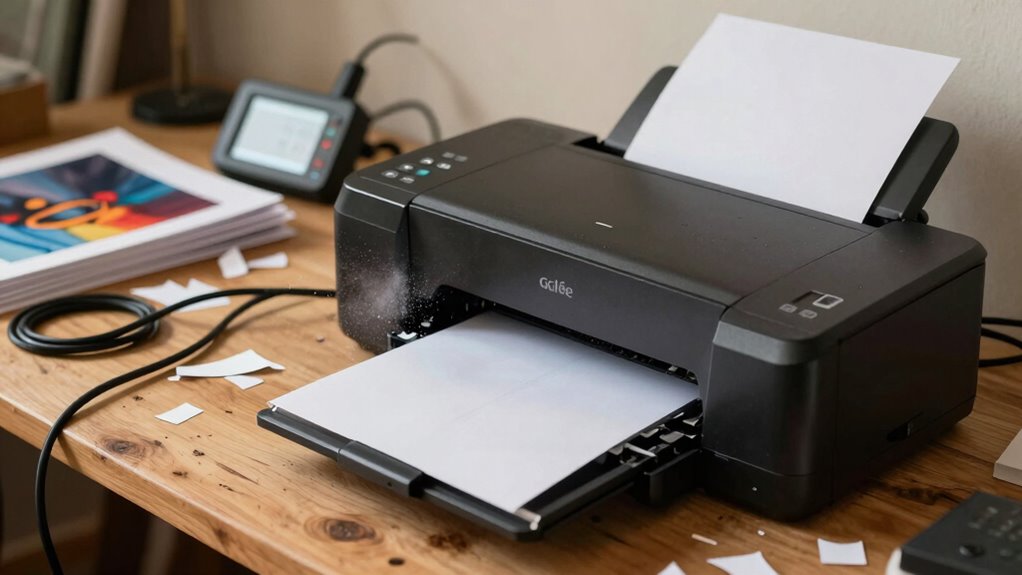
Running a Giclée printer might seem straightforward at first, but many artists and print shops overlook the hidden costs that can quickly add up. One of the most underestimated expenses is ink upkeep. Unlike regular printers, Giclée printers use high-quality, often expensive inks that require careful handling. Over time, ink cartridges can dry out or clog if not used regularly, leading to costly cleanings and wasted ink. Maintaining your printer’s ink system means you need to regularly check and clean print heads, which not only extends the life of your equipment but also prevents costly repairs down the line. Ignoring these routine maintenance tasks can cause clogs or damage that results in purchasing new print heads or replacing parts, adding to your overall expenses. Proper printer maintenance can significantly reduce unexpected repair costs and prolong the lifespan of your equipment. Additionally, developing a regular cleaning routine can help prevent buildup that causes clogs and ensures consistent print quality over time. Regularly monitoring your ink levels and usage can also help optimize your printing process and avoid unnecessary waste. It’s also essential to keep detailed maintenance logs to track recurring issues and address them proactively. Moreover, the proper environment and ventilation can help reduce the risk of ink fumes affecting your health and equipment longevity, emphasizing the importance of well-maintained studio conditions.
Regular ink maintenance prevents clogs and damage, saving costs and extending your Giclée printer’s lifespan.
Electricity expenses are another significant but often overlooked cost. Giclée printers consume a substantial amount of power, especially during long printing sessions or when performing maintenance routines such as deep cleaning. Running the printer’s high-powered components, like heaters and motors, can cause your energy bills to spike unexpectedly. If you operate your printer frequently or leave it on standby for extended periods, those small daily energy draws add up over time. It’s worth considering energy-efficient practices, such as turning off the machine when not in use or scheduling maintenance during off-peak hours to reduce costs.
Beyond ink and electricity, you should also account for the wear and tear on your equipment. Giclée printers are precision devices, and their components—like print heads, belts, and rollers—require regular calibration and occasional replacements. These parts, though seemingly minor, can become costly when they need to be replaced prematurely due to neglect or improper maintenance. Additionally, the cost of quality paper and protective coatings adds to the overall expense, especially if you’re producing high-end, gallery-quality prints. Regular equipment calibration and timely part replacements are crucial for maintaining print quality and avoiding costly repairs. Proper storage and handling of media can also extend the life of your supplies, ensuring consistent results and reducing waste.
In essence, running a Giclée printer at home or in your studio isn’t just about the initial investment in the machine. You need to budget for ongoing costs like ink upkeep, electricity expenses, and routine upkeep. Recognizing these hidden costs allows you to plan better financially and ensures your printer remains in top condition, enabling you to produce stunning artwork without unexpected financial surprises.

Aomya Ink Refill Kit 100ml for HP 67 61 65 60 62 63 910 920 901 902 932 933 934 940 952 94 95 96 Inkjet Printer Cartridges Refillable Ink Cartridges CIS CISS System 4 Color Set with 4 Syringes
Compatible for: HP 61 60 62 63 64 65 932 933 950 951 564 902 920 901 inkjet…
As an affiliate, we earn on qualifying purchases.
As an affiliate, we earn on qualifying purchases.
Frequently Asked Questions
How Often Should I Calibrate My Giclée Printer?
You should calibrate your giclée printer every one to two months to maintain ideal print calibration and ink color accuracy. Regular calibration ensures your colors stay true to your original artwork, preventing shifts over time. If you notice color inconsistencies or faded prints, it’s time to recalibrate. Consistent calibration helps you produce high-quality, accurate prints, saving you time and money in the long run.
What Are the Hidden Health Risks of Ink Fumes?
You might think ink fumes are harmless, but ink toxicity and fume exposure can pose serious health risks over time. Inhalation of volatile organic compounds (VOCs) emitted by inks can cause respiratory issues, headaches, or allergic reactions. To protect yourself, guarantee proper ventilation, use exhaust systems, and wear masks if necessary. Ignoring these risks might seem minor, but prolonged exposure can lead to long-term health consequences.
Can I Reduce Ink Waste Effectively?
Yes, you can reduce ink waste effectively by practicing ink recycling and careful waste disposal. Always use your printer efficiently, avoid over-inking, and recycle leftover ink when possible. Proper waste disposal prevents environmental harm and minimizes unnecessary costs. By monitoring your ink usage, cleaning your printer regularly, and recycling unused ink, you’ll cut down on waste, save money, and promote a more sustainable printing process.
What Are the Long-Term Maintenance Costs?
Like tending a garden, maintaining your giclée printer requires ongoing attention. Long-term costs include replacing ink cartridges, whose longevity depends on usage and care. Poor paper quality can clog nozzles and damage internal parts, increasing maintenance needs. Regular cleaning and using high-quality paper extend your printer’s life, but expect eventual expenses for parts and professional servicing. Staying proactive helps minimize these hidden costs, keeping your prints flawless over time.
How Does Print Size Affect Overall Expenses?
Larger print sizes considerably increase your overall expenses because they consume more ink and require more frequent maintenance. As you print bigger, ink consumption rises sharply, leading to higher ink costs over time. Additionally, larger prints may put more wear on the printer’s components, potentially increasing maintenance expenses. So, when choosing print size, consider how it impacts your ink consumption and long-term costs to manage your budget effectively.

Printhead Cleaning Kits Inkjet Printers, Printer Cleaning Kit for Epson Ecotank Printers, Printer Cleaner Kit for HP, Inkjet Printers Head Cleaning Solution for Canon Pixma Print Head Liquid Nozzles
Printhead Cleaning Kits for Inkjet Printers: Fosgoit Inkjet Printhead Cleaner for Epson Printer, Ink Jet Cleaning Solution for…
As an affiliate, we earn on qualifying purchases.
As an affiliate, we earn on qualifying purchases.
Conclusion
So, next time you consider setting up a giclée printer at home or in your studio, ask yourself: are the hidden costs worth the stunning prints? From high-quality inks to ongoing maintenance, these expenses can quietly add up. But with proper planning and budgeting, you can enjoy beautiful, professional-quality artwork without breaking the bank. After all, isn’t creating your own gallery worth every investment?
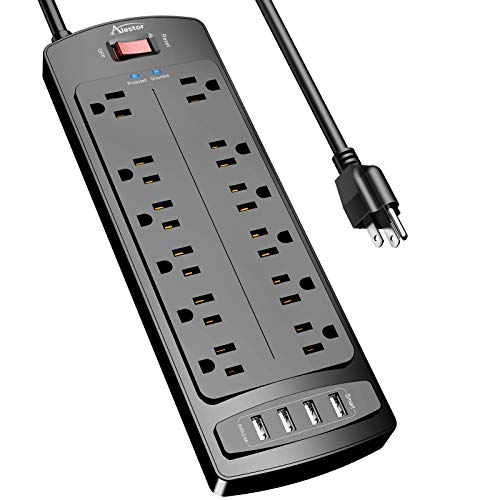
Power Strip, ALESTOR Surge Protector with 12 Outlets and 4 USB Ports, 6 Feet Extension Cord (1875W/15A), 2700 Joules, ETL Listed, Black
★Multi Function Power Strip: Power strip surge protector with 12AC outlets & 4 USB charging ports (5V/3.4A,17W), 6-foot…
As an affiliate, we earn on qualifying purchases.
As an affiliate, we earn on qualifying purchases.

Printer Cleaning Kit for Epson, Printhead Cleaning Kit for HP, Inkjet Printer Head Cleaner for Canon, Printers Cleaner Printhead Cleaning Solution for Inkjet, Printers Print Head Cleaning Kits 100mL
Printhead Nozzles Cleaner 100mL for All Inkjet Printers: Absonic Inkjet Printer Cleaning Solution for Epson Inkjet Printer, Printer…
As an affiliate, we earn on qualifying purchases.
As an affiliate, we earn on qualifying purchases.