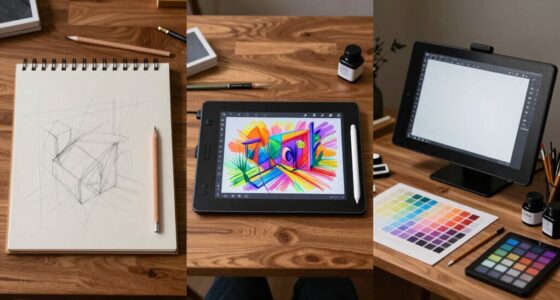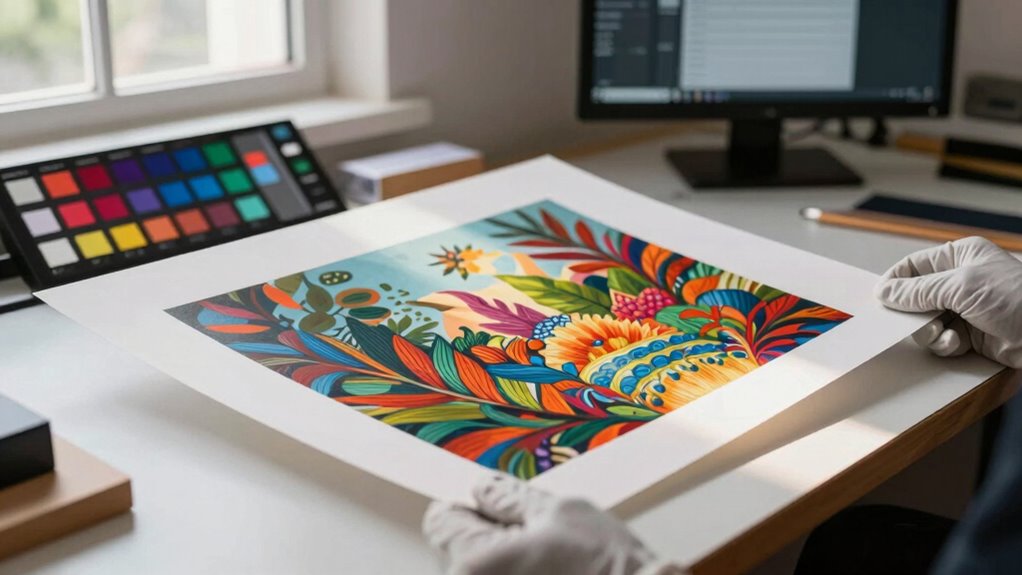

Proofing prints is a crucial step that helps you guarantee your artwork’s colors, details, and overall quality are accurate before final production. By carefully reviewing digital and physical proofs, calibrating your devices, and checking for issues like misalignment or color shifts, you protect your edition’s integrity. Paying close attention during this stage prevents costly mistakes and preserves your art’s value. Keep exploring to discover how to perfect your proofing process.

Prime made for students and young adults
- Fast, free delivery for dorm and study essentials
- Prime Video and Amazon Music included
- Member-only deals
Key Takeaways
- Proofing ensures color accuracy and image fidelity before final printing, protecting artwork quality.
- The approval process involves reviewing digital and physical proofs to catch errors early.
- Proper proofing maintains consistency across editions and prevents costly reprints or corrections.
- Clear communication and detailed annotations during proofing safeguard artistic intent and standards.
- Final approval verifies that prints meet quality benchmarks, preserving the artwork’s value and authenticity.
Why Proofing Matters in Fine Art Printing

Proofing is a crucial step in fine art printing because it guarantees your digital image translates accurately onto the physical medium. Proper color calibration ensures that colors appear consistent and true to your original vision, preventing surprises when the print is finished. Additionally, understanding the Free Floating concept can help in creating prints that seamlessly integrate with various display environments, enhancing overall presentation. Achieving consistent results also depends on quality assessment techniques that identify potential issues early in the process. These techniques often involve monitor calibration to ensure that what you see on your screen corresponds to the final print. A thorough understanding of perceptual color spaces can further improve your ability to predict how colors will appear in print, reducing the need for multiple test runs. Knowing how color management systems work can help in maintaining color fidelity throughout the printing process. Equally important is paper selection, as different papers affect how colors and details are rendered. Choosing the right paper type—glossy, matte, or fine art textured—can substantially influence the final look of your print. By carefully calibrating your monitor and selecting the appropriate paper, you minimize color shifts and tonal discrepancies. This preparation helps you catch potential issues early, saving time and resources. Ultimately, thorough proofing safeguards the quality of your edition, ensuring your artwork’s integrity from digital file to finished print.
Exploring Different Types of Proofs in Fine Art Printing
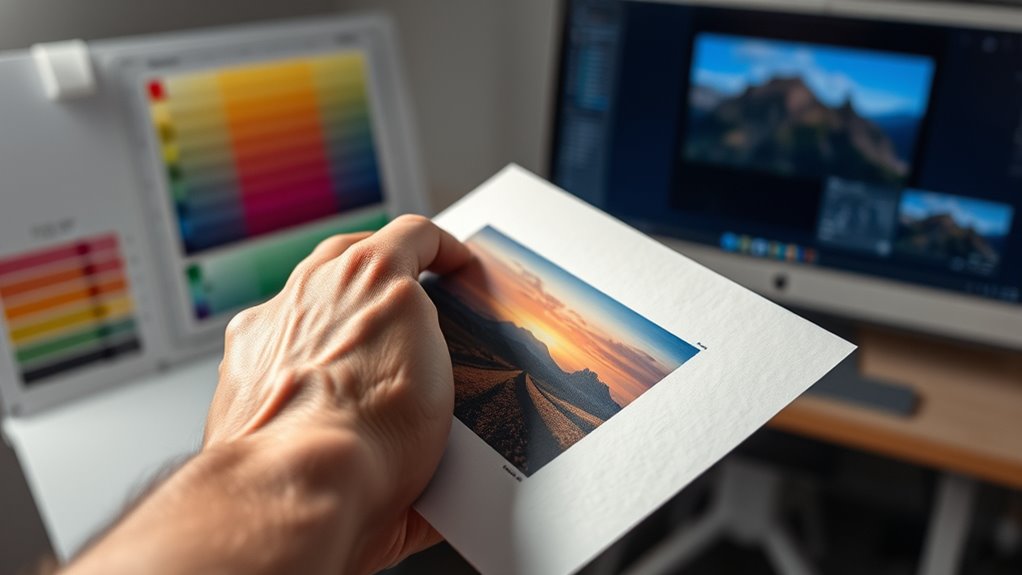
When choosing proofs, you’ll want to compare digital and physical options to see which best suits your needs. Understanding color accuracy methods helps guarantee your prints match your vision perfectly. Additionally, deciding between limited and open editions affects how your artwork is valued and perceived by collectors. Incorporating quality control measures during proofing ensures consistency and excellence in your final prints. Implementing secure cloud storage solutions can also help safeguard your digital proofs and streamline the review process. For added assurance, selecting weather-resistant materials for physical proofs can protect your prints during handling and presentation. Considering wall surface preparation techniques can further enhance the durability and display quality of your proofs. Employing digital calibration tools can help maintain consistent color accuracy across multiple proofs and printing sessions.
Digital vs. Physical Proofs
Digital and physical proofs each serve a vital role in fine art printing, offering artists and printers different benefits and challenges. Digital tools allow for quick, cost-effective previews, enabling you to see your work on screen and make adjustments easily. They are ideal for rapid iterations but may lack the tactile feel and true color representation of the final print. Physical samples, on the other hand, provide a tangible reference, allowing you to assess texture, paper, and color accuracy directly. They are essential for final approval, ensuring the print matches your expectations. Use digital proofs for early-stage reviews and physical samples for the definitive check. Consider this comparison: proofing process ensures the final outcome aligns with your vision and quality standards. Additionally, understanding color management techniques can help bridge the gap between digital previews and physical prints, leading to more consistent results. Proper calibration of your monitor and printer plays a crucial role in achieving accurate color reproduction, minimizing surprises during the final review. Incorporating vetting steps like physical proofs can further safeguard the quality of your edition.
Color Accuracy Methods
Accurate color reproduction is essential in fine art printing, as artists rely on proofs to guarantee their vision translates correctly onto the final piece. To achieve this, color calibration plays a crucial role by adjusting your devices to produce consistent colors. Implementing proofing techniques can further enhance the accuracy of color matching, ensuring the final product aligns with the original artwork. Print profiling further refines this process, creating precise color profiles for specific printers and papers. These profiles ensure that colors on your proofs match the intended hues, maintaining fidelity across different media. Using calibrated monitors and printers with proper profiles minimizes discrepancies, giving you confidence that the final print will reflect your original artwork accurately. Incorporating these color accuracy methods into your proofing process helps prevent surprises and ensures your editions meet the highest quality standards. Additionally, understanding and applying color management systems can greatly improve consistency throughout your printing workflow.
Limited vs. Open Editions
Have you ever wondered how artists decide between creating limited or open editions for their prints? Limited editions mean only a set number of copies exist, making each print more exclusive and often increasing its value. They allow you to control the edition size, ensuring scarcity and uniqueness. When proofing your prints, understanding the differences helps you communicate your intentions clearly and set proper expectations with collectors and buyers. Both types require careful proofing to maintain quality and authenticity. Additionally, the proofing process can benefit from insights into print calibration to ensure color accuracy and image fidelity across different editions. Proper color management is essential to achieve consistent and true-to-original results in both limited and open editions, especially when considering factors like piercing care and hygiene that impact overall quality control.
How to Follow a Step-by-Step Proofing Workflow
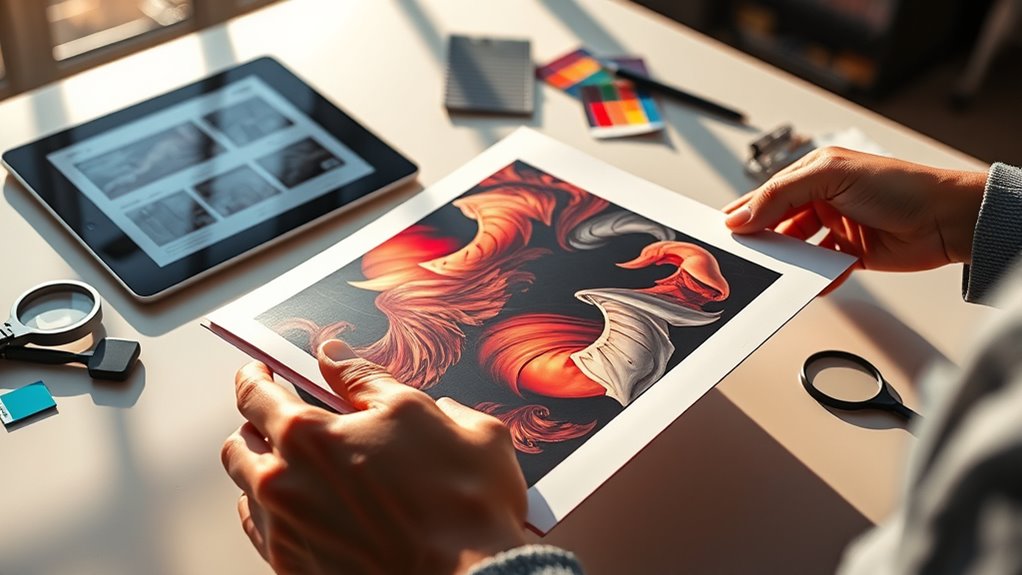
To guarantee your proofs come out perfect, you need to follow a clear workflow. Start by preparing your proofs carefully. Then review and annotate them thoroughly. Incorporating science-backed training methods can help ensure the final product meets high standards. Additionally, understanding the importance of quality assurance processes can further streamline your proofing workflow and prevent costly errors. Implementing a step-by-step process can make your proof review more efficient and consistent. Recognizing specific auditory skills relevant to proofing can also aid in detecting errors more effectively. Paying attention to sensory details such as texture and sound can enhance the accuracy of your review. Finally, approve or request changes to move forward confidently.
Prepare Proofs Carefully
Before you send your proofs for final approval, it’s essential to follow a careful, step-by-step workflow to catch any errors or inconsistencies. Start by double-checking color matching, ensuring that the proof accurately reflects the intended hues and tones. Confirm that your material selection aligns with your project specifications, as different materials can impact color and texture. Examine each proof meticulously for clarity, resolution, and consistency across all pages or sections. Verify that all fonts, images, and graphics are correctly placed and that no details are overlooked. Additionally, consider the safety and quality standards involved in the printing process to ensure your proofs meet industry benchmarks before final approval.
Review and Annotate Thoroughly
Once you receive your proofs, it’s crucial to review and annotate them thoroughly to catch any errors or inconsistencies. Start by checking color calibration to guarantee the printed colors match your original design, especially if the proofs are digital or color-critical. Pay attention to print quality aspects to ensure the final product meets your standards. Examine the paper selection, confirming it aligns with your specifications and enhances the print quality. Look closely for typographical mistakes, layout issues, or misaligned elements. Use clear, precise annotations to mark corrections, noting any deviations from your standards. This step ensures you catch issues before final approval, preventing costly reprints. A careful review with attention to color calibration and paper choice guarantees the proofs accurately reflect your vision and uphold your edition’s quality.
Approve or Request Changes
How do you decide whether to approve the proofs or request changes? Start by comparing the proof to your original design, focusing on color matching and print calibration. Verify the colors are accurate and consistent with your expectations, as poor calibration can cause discrepancies.
Check that details remain sharp and that the overall appearance aligns with your vision. If everything looks spot-on, approve the proof confidently.
But if you notice color inconsistencies, blurry details, or calibration issues, request changes. Communicate specific adjustments clearly to the printer, emphasizing the importance of proper print calibration to achieve accurate color matching in the final edition.
Making informed decisions at this stage safeguards your quality standards and ensures the print aligns with your creative intent.
What Should You Look for During Proofing?
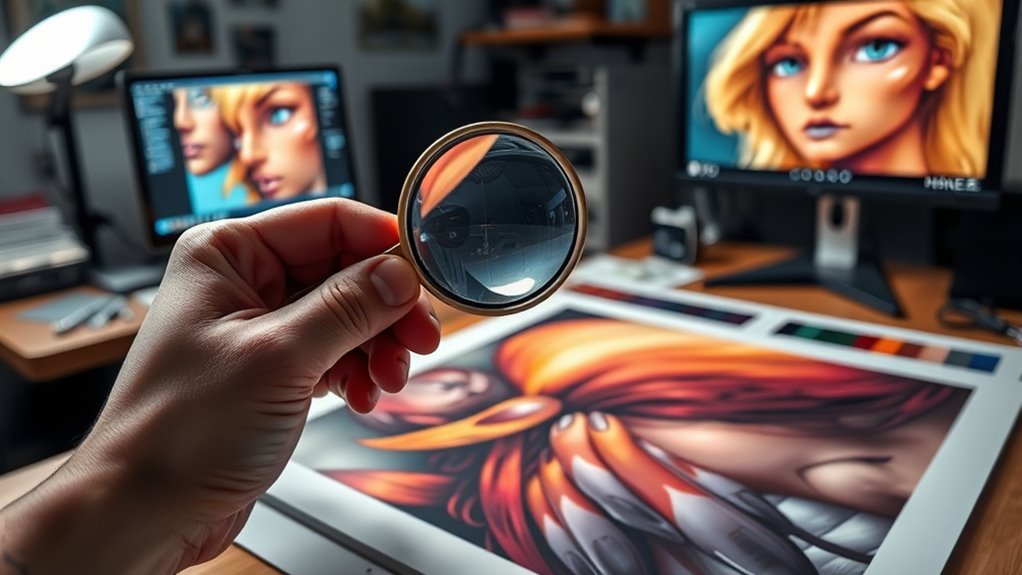
What should you look for during proofing? Focus on guaranteeing that color management and print calibration are accurate. Check that the colors on the proof match the intended palette, paying attention to skin tones, highlights, and shadows.
Look for any inconsistencies or color shifts that could indicate calibration issues. Verify that the overall tone and saturation reflect your vision, and ensure there are no unexpected color casts.
Examine fine details and text for sharpness and clarity. Confirm that the proof’s brightness and contrast align with your expectations.
Common Proofing Issues and How to Fix Them
Are common proofing issues undermining the accuracy of your prints? Misaligned color management can cause color inconsistencies, making your proof look different from the final print.
To fix this, calibrate your monitors and printers regularly, guaranteeing the colors match accurately. Paper selection also plays an essential role; using the wrong paper type can alter how colors appear and affect image sharpness. Always choose paper that’s suitable for your project and matches the proofing specifications.
If colors seem off, check your color profiles and make necessary adjustments before approving. Addressing these issues early on helps prevent costly mistakes later.
Communicating Feedback Clearly With Your Printer
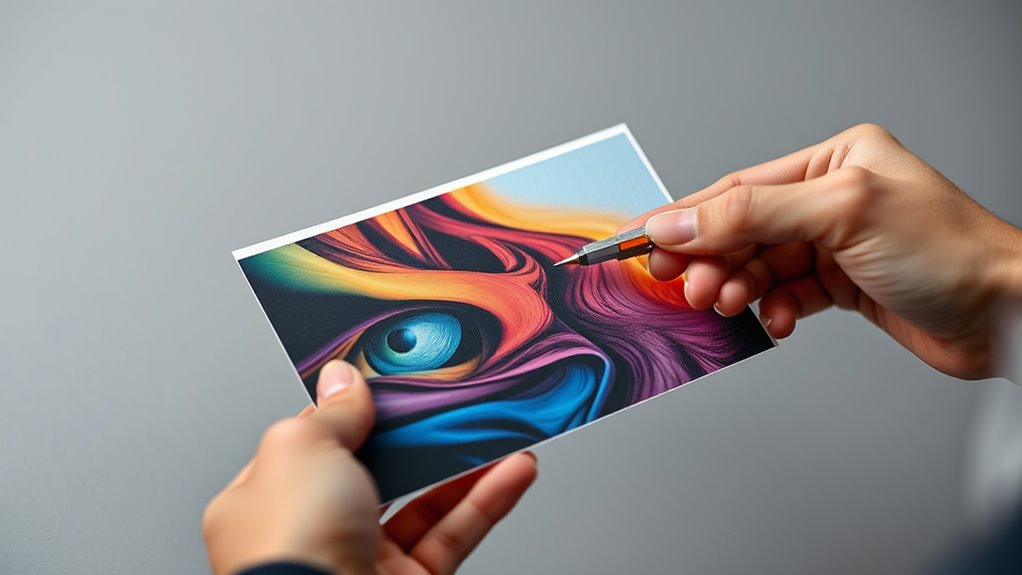
Effective communication is essential to guarantee your printer understands your feedback accurately. When discussing print quality, be specific about what needs adjustment, such as color accuracy, sharpness, or registration.
Clear client communication means avoiding vague comments like “looks off” and instead providing detailed notes or annotated images. Use precise language and reference proofing issues directly to prevent misunderstandings.
Confirm that your feedback is understood by asking your printer to repeat or clarify key points. This ensures everyone is on the same page and helps maintain consistent quality throughout the printing process.
Final Proofing Approval: Ensuring Consistent Quality

Final proofing approval is a crucial step in maintaining consistent quality across your print run. During this stage, you double-check that color matching is accurate, ensuring that hues and tones align with your original vision.
Pay close attention to how colors appear on the chosen paper, as paper selection significantly impacts the final look. If the paper’s texture or color affects the print’s appearance, address these issues before giving approval.
Confirm that all elements, including images and text, meet your quality standards. This careful review helps prevent costly mistakes and guarantees a uniform, professional finish.
How Proofing Protects Your Art’s Value and Integrity
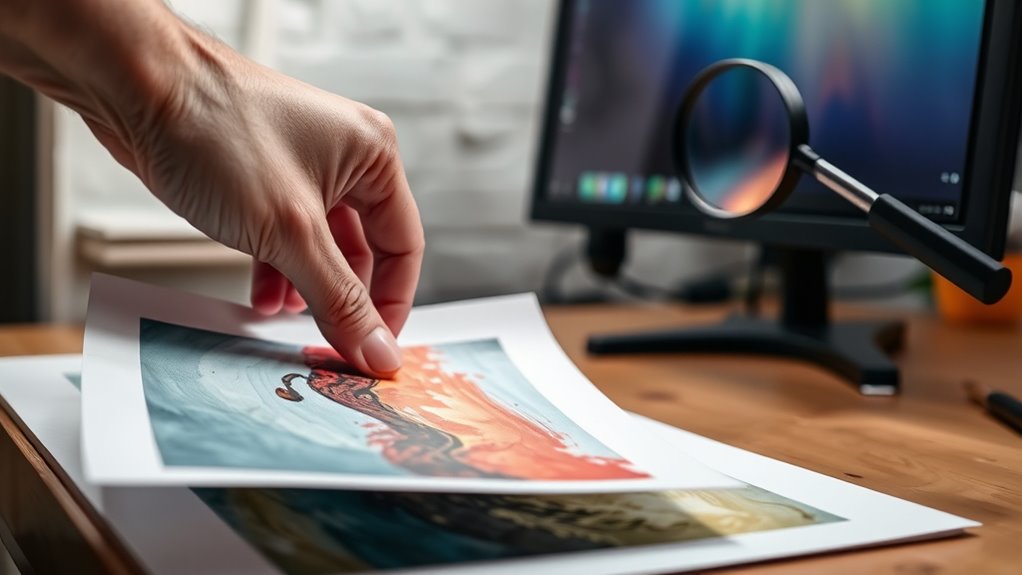
Proofing plays a pivotal role in preserving your art’s value and integrity by catching errors before they reach the final print. When you carefully review proofs, you ensure that artistic techniques are accurately represented, maintaining the intended visual impact.
This process prevents costly mistakes that could diminish your artwork’s quality or misrepresent your vision. By addressing issues early, you safeguard the print’s longevity, guaranteeing that colors, details, and textures stay true over time.
Proper proofing helps you maintain consistency across editions, reinforcing the credibility and reputation of your work. Ultimately, thorough proofing protects your investment, keeps your art authentic, and preserves its worth for collectors and viewers alike.
Tips for a Successful Proofing Session
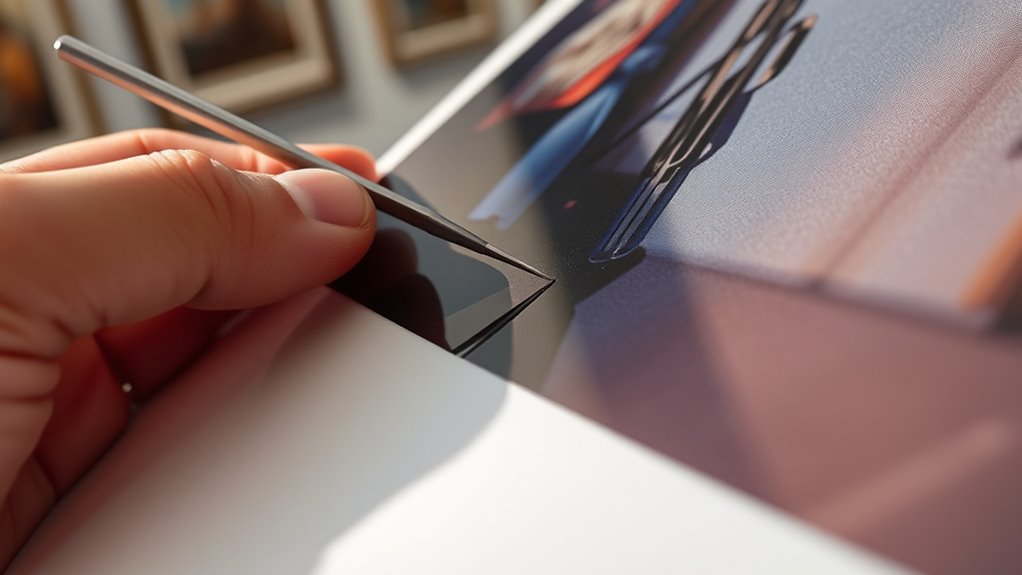
To guarantee your proofing session yields the best results, start by preparing a dedicated, well-lit workspace free of distractions. Lay out your proofs on a neutral surface, and review them under natural light if possible. Pay close attention to paper texture, ensuring it matches your final choice, and consider how framing options might affect the overall presentation. Use the table below to evaluate key aspects:
| Aspect | Tips | Common Mistakes |
|---|---|---|
| Paper Texture | Check for consistency with your vision | Ignoring tactile details |
| Framing Options | Visualize final presentation | Overlooking framing impact |
| Color Accuracy | Use calibrated lighting | Relying on unrealistic lighting |
| Image Clarity | Inspect for sharpness and detail | Skipping close-up review |
| Paper Quality | Confirm durability and finish | Choosing unsuitable material |
Frequently Asked Questions
How Often Should Proofing Be Done During a Print Run?
You should perform proofing frequently throughout the print run to guarantee quality assurance. Typically, check proofs at the start, mid-point, and at regular intervals—every few hundred copies—depending on the project’s complexity.
This consistent proofing frequency helps catch errors early, maintaining high standards and preventing costly reprints. By staying vigilant and inspecting prints regularly, you safeguard your edition’s quality and ensure the final product meets your expectations.
Can Digital Proofs Fully Replace Physical Proofs?
Digital proofing can’t fully substitute physical proofs because it lacks the tactile and color accuracy needed for final approval.
While remote review through digital proofs is convenient and fast, it often misses subtle details that physical proofs reveal.
You should use digital proofs for initial checks and rely on physical proofs for final approval to ensure the highest quality and accurate color reproduction before printing.
What Are the Best Practices for Reviewing Proofs Remotely?
When reviewing proofs remotely, you should use digital collaboration tools that allow real-time feedback and digital annotations. This way, you can easily mark up images, add comments, and communicate changes directly on the proof.
Always double-check color accuracy, resolution, and layout details. Guarantee everyone involved understands the feedback.
Clear, organized digital annotations help streamline the approval process and protect your edition’s quality.
How Do I Handle Discrepancies Between Proofs and Final Prints?
When you spot discrepancies between proofs and final prints, prioritize accurate color matching. Conduct a thorough proof review, comparing every detail to guarantee consistency.
Communicate promptly with your printer or supplier about any issues, providing specific feedback on color, layout, or quality differences.
Adjust your proofs if needed, and approve only once you’re confident the final print reflects your expectations.
This proactive approach helps maintain your edition’s quality and integrity.
What Role Does Color Calibration Play in Proofing Accuracy?
Color calibration plays an essential role in proofing accuracy by ensuring your monitors and printers maintain consistent color management.
Using calibration techniques like hardware calibration tools, you can fine-tune your devices to display true colors, minimizing discrepancies between proofs and final prints.
This precision helps you make informed decisions during the proofing process, reducing costly reprints and ensuring your edition maintains its intended color fidelity throughout production.
Conclusion
Proofing is your essential step in ensuring your artwork’s quality and value. By understanding the process, carefully reviewing proofs, and communicating clearly with your printer, you protect your vision and maintain consistency. Take your time, follow a solid workflow, and address issues promptly. This attention to detail guarantees your final print truly reflects your artistic intent, preserving the integrity of your work and making sure you’re completely satisfied with the result.
Fall Picks
fall essentials
As an affiliate, we earn on qualifying purchases.