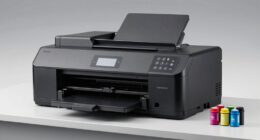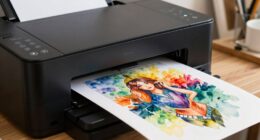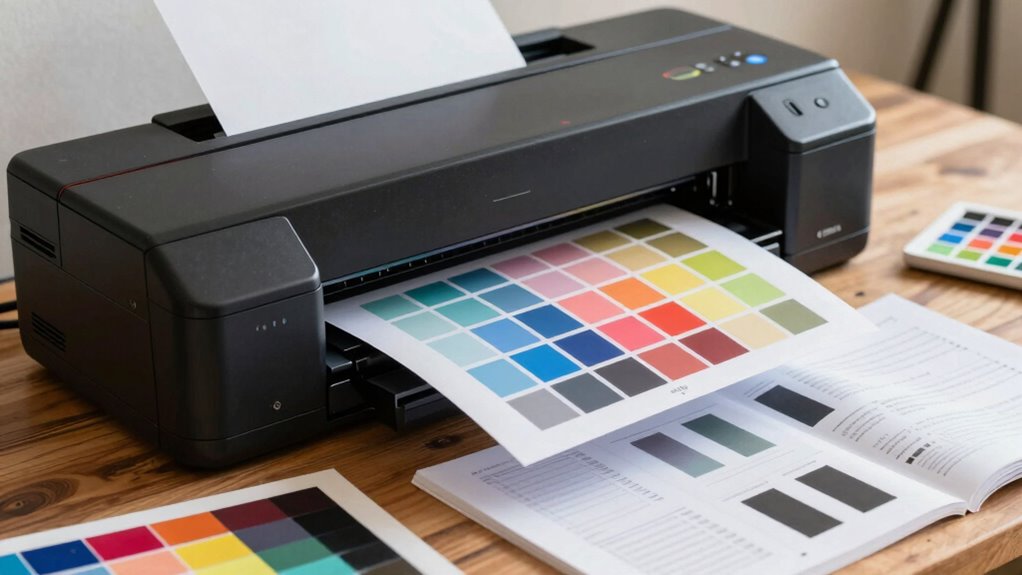

To avoid costly mistakes, start by calibrating your monitor and printer for accurate color matching, and choose the right paper for your artwork’s vibrancy and texture. Optimize printer settings for resolution, paper type, and color mode, and keep your equipment well-maintained with regular cleaning and updates. Double-check all settings before printing to guarantee consistency. If you keep these tips in mind, you’ll improve your print quality and save time and materials—learn more to perfect your process.
Key Takeaways
- Ensure proper printer calibration and color management to match monitor display with print output.
- Select the appropriate paper type and weight for desired vibrancy and texture.
- Optimize printer settings, including resolution and color mode, for specific artwork and paper.
- Perform regular maintenance and calibration routines to maintain consistent color accuracy.
- Double-check all setup parameters before printing to prevent costly errors and material waste.
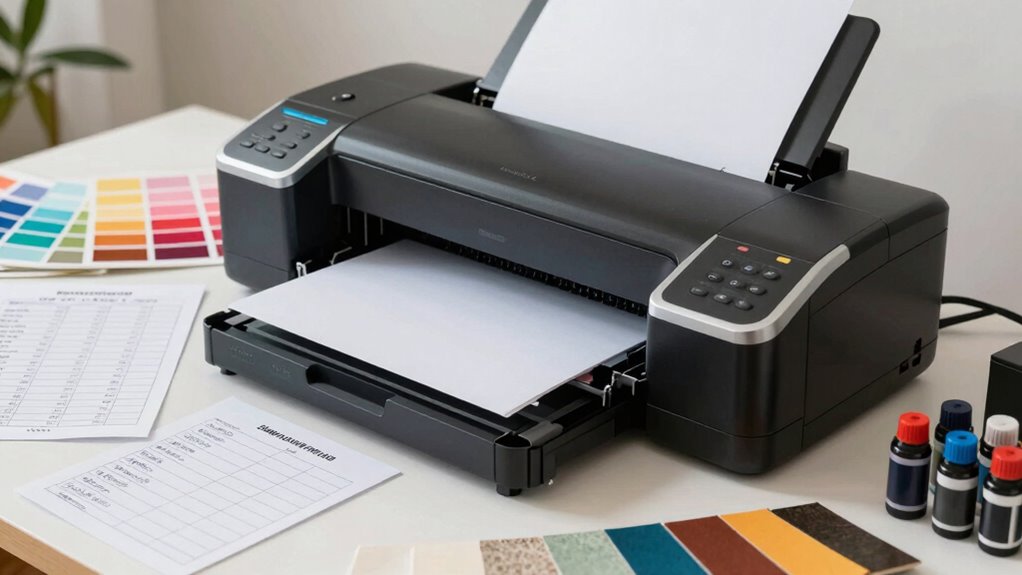
When you’re preparing to print your artwork, having a reliable printer and the right settings can make all the difference in achieving professional results. One of the first steps is verifying your printer is properly calibrated, especially regarding color. Color calibration is essential because it aligns your monitor’s display with the printer’s output, minimizing color discrepancies. Without it, you risk ending up with prints that look dull, oversaturated, or simply different from what you see on your screen. Use calibration tools or software designed for your specific printer and monitor to establish a consistent color profile. This process helps you predict how your colors will appear in the final print, saving you time and materials from repeated test prints. Additionally, understanding color profiles and how they influence your printing process can help you achieve more accurate and consistent results.
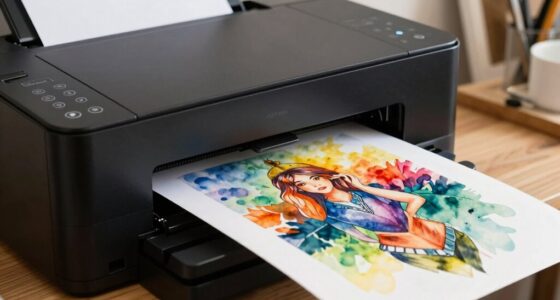
Paper selection is equally critical and often overlooked. The right paper can enhance your artwork’s vibrancy, texture, and overall impact. Consider the type of art you’re printing—whether it’s a digital watercolor, a photo print, or a mixed-media piece—and choose paper accordingly. Glossy papers bring out vivid colors and sharp details, ideal for photographic work, while matte papers reduce glare and highlight subtle shades, suitable for fine art reproductions. The right weight and surface texture also influence how your ink interacts with the paper, affecting color depth and longevity. Testing different papers before committing to a large print run helps you find the best combination, ensuring your artwork looks professional and true to your vision. Proper printer settings can further optimize ink usage and image quality, ensuring your prints are both beautiful and economical. Regularly updating your printer firmware can also improve print accuracy and performance.
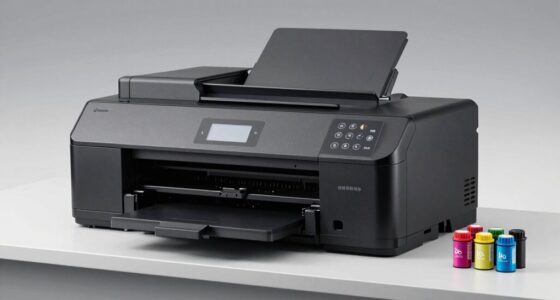
Additionally, double-check your printer settings for resolution and color mode. High-resolution settings ensure crisp details, especially for intricate artwork, but may increase print time and ink use. Selecting the correct color mode, such as RGB or CMYK, depends on your printer and the type of output you want. Properly setting your printer for the specific paper you’re using also minimizes ink wastage and prevents smudging or uneven coverage. Keeping your printer’s hardware well-maintained and performing regular head cleaning and alignment can prevent many common printing issues. Incorporating proper calibration practices regularly can also help maintain color consistency over time. This maintenance, combined with proper calibration and paper selection, guarantees consistent quality and reduces costly mistakes. Taking these steps before hitting “print” saves you from reprints, wasted materials, and frustration. With a bit of preparation, you’ll consistently produce high-quality artwork that reflects your creative vision, all while avoiding common setup pitfalls.

datacolor SpyderPro – Monitor Calibration Up to 12000nits, 3D LUT Capability, Device Preview Plus, Content Credentials (C2PA), and Light Meter Integration
Ultra Bright Display compatible: The only calibrator that supports QD-OLED and brightness up to 12,000 nits, calibrates OLED,…
As an affiliate, we earn on qualifying purchases.
As an affiliate, we earn on qualifying purchases.
Frequently Asked Questions
How Often Should I Calibrate My Fine Art Printer?
Did you know that improper calibration can lead to up to a 30% waste of ink? You should calibrate your fine art printer at least once a month to maintain accurate color management and guarantee ink compatibility. Regular calibration helps you catch color shifts early, saving money and time. If you notice color inconsistencies or dull prints, it’s time to recalibrate. Consistent maintenance keeps your artwork true to your vision.
What Type of Paper Is Best for Archival Quality Prints?
You should choose acid-free, 100% cotton or alpha-cellulose papers for archival quality prints. Look for paper textures like smooth, matte, or glossy, depending on your desired finish. These papers have ideal ink absorption, ensuring vibrant colors and long-lasting images. Avoid cheap or coated papers that may fade or discolor over time. Selecting high-quality, archival-grade paper guarantees your artwork remains pristine for decades.
How Do I Troubleshoot Color Inconsistencies?
Did you know that color accuracy issues account for over 40% of printing complaints? To troubleshoot color inconsistencies, start by checking your monitor calibration to guarantee accurate color display. Next, verify ink matching and confirm your printer settings align with your chosen paper type. Running test prints and adjusting color profiles can also help maintain consistent color output, saving you time and costly reprints.
What Are the Most Common Printer Setup Mistakes?
You often make setup mistakes like neglecting proper printer maintenance and ignoring ink compatibility. Regularly cleaning your printer prevents clogs and guarantees consistent quality. Always check that your ink matches your printer’s specifications to avoid color issues or damage. Also, confirm your drivers are updated and settings are correct before printing. These simple steps help prevent costly mistakes and keep your prints vibrant and accurate.
How Can I Extend My Printer’s Lifespan?
To extend your printer’s lifespan, regularly replace your ink cartridge before it’s completely empty to prevent clogging. Clean the print head frequently to avoid buildup and guarantee smooth operation. Use high-quality ink and paper suited for your printer to reduce strain. Avoid unnecessary printing, and turn off your printer properly when not in use. These steps help maintain peak performance and prolong your printer’s life.

Reastar Glossy Photo Paper 8.5 x 11, 36 Sheets Inkjet Photo Printer Paper, Instant Dry Picture Paper for DIY Chip Bag, Flyers, Cards, Calendars and Brochures(180gsm/48lb)
Photo Paper Package: 36 sheets of glossy photo paper, 8.5×11 inch, industry standard 180gsm/48lb, single-sided printing and blank…
As an affiliate, we earn on qualifying purchases.
As an affiliate, we earn on qualifying purchases.
Conclusion
By following this printer checklist, you’ll avoid costly mistakes and produce stunning fine art prints. Imagine a painter who skipped checking color profiles and ended up with prints that didn’t match their artwork—frustrating, costly, and time-consuming. But with this guide, you’ll catch those errors early, ensuring every print reflects your vision perfectly. Stay diligent, double-check your settings, and turn your artistic vision into flawless reality every time.

Calibrite ColorChecker Studio Spectrophotometer for Complete Color Management for Display, Projector, Printer and Scanner Profiling Software, w/ColorChecker Classic Mini for Custom Camera Profiling
SPECIFICATIONS: All in one spectrophotometer for camera to print color control, supports monitor display and projector profiling plus…
As an affiliate, we earn on qualifying purchases.
As an affiliate, we earn on qualifying purchases.

dosiwlatever Nail Art Printer Machine 4800dpi with Custom Photo Printing – 3000+ Built-in Patterns, Automatic Nail Printer, Fast 30 Seconds Printing, UV Curing /5-inch Touch Screen, Beginner-Friendly
1️⃣【Smart WiFi Printing Technology – SMART NAIL DEVICE】3D Nail Art Printer connects via WiFi to print directly from…
As an affiliate, we earn on qualifying purchases.
As an affiliate, we earn on qualifying purchases.