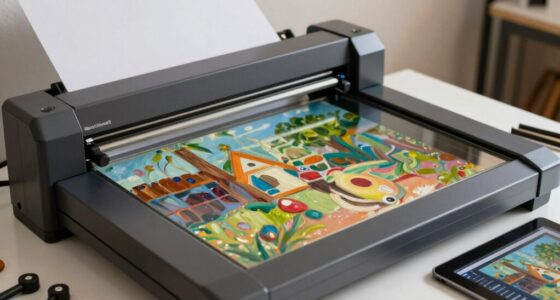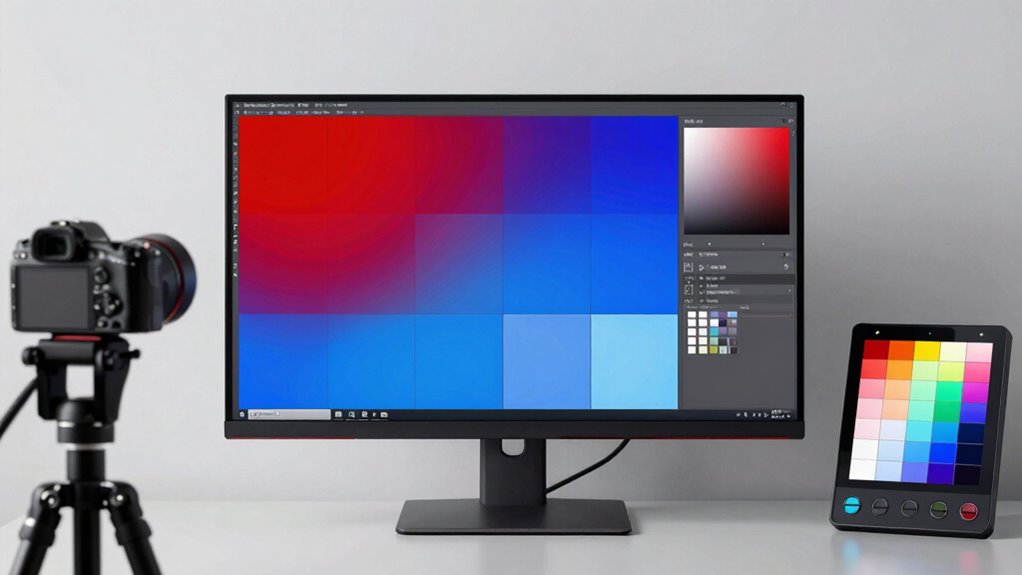

Using a color-accurate monitor transforms your print workflow by ensuring your digital designs match the final printed output. It helps prevent discrepancies that can lead to wasted time, materials, and frustration. By maintaining consistent color accuracy, you can communicate better with printers and clients, reducing the need for multiple test prints. Regular calibration and controlled viewing conditions keep your work reliable. Keep exploring how these tools can bring more precision to your projects.

Prime made for students and young adults
- Fast, free delivery for dorm and study essentials
- Prime Video and Amazon Music included
- Member-only deals
Key Takeaways
- They ensure digital colors match printed output, reducing guesswork and reprints.
- Consistent color display improves communication with clients and printers.
- Regular calibration maintains accuracy over time, preventing color drift.
- Accurate monitors minimize test prints, saving time and resources.
- They support reliable collaboration by providing a shared, true-to-life color reference.
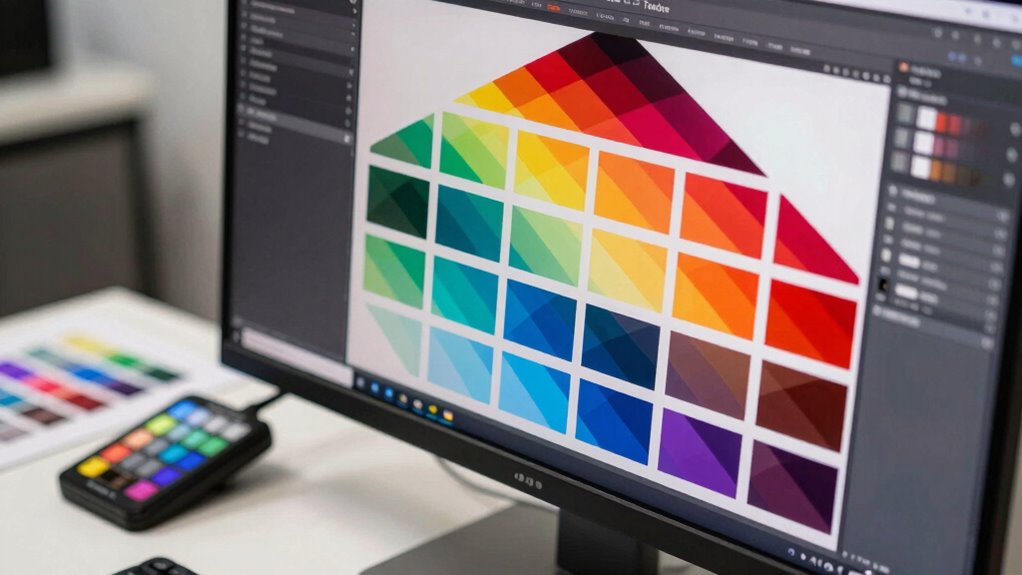
When working on print projects, having a color-accurate monitor is essential to guarantee your digital designs match the final printed output. Without one, you risk discrepancies that could lead to wasted time, materials, and frustration. Color accuracy begins with proper calibration techniques, which ensure your monitor displays colors correctly. Regular calibration is imperative, as screens tend to drift over time, especially under different ambient lighting conditions. Using hardware calibration tools, like colorimeters or spectrophotometers, allows you to create precise profiles tailored to your display and environment, maintaining consistency across your workflow. Additionally, understanding color management principles helps ensure your digital colors translate accurately to print. Ambient lighting plays a pivotal role in how you perceive colors on your monitor. If your workspace is overly bright or has mixed lighting conditions, it can distort your view of the colors you’re working with. Ideally, you want controlled, neutral lighting that minimizes glare and reflections. Many professionals prefer using dim, diffuse lighting or specialized light boxes designed for color-critical work. When your ambient lighting is stable and neutral, your monitor’s calibration remains accurate longer, and you can make more reliable color judgments. Implementing calibration techniques isn’t a one-time task; it’s an ongoing process. You should calibrate your monitor regularly—ideally weekly or bi-weekly—especially if you’re working on large print projects or delivering color-accurate proofs. Calibration ensures that your monitor displays the correct gamma, white point, and color gamut, aligning with industry standards like sRGB or Adobe RGB, which are indispensable in print workflows. Additionally, many high-end monitors come with built-in calibration tools or software, simplifying this process and making it more accessible for non-experts. Proper monitor placement and viewing angles also influence how accurately you perceive colors, emphasizing the importance of ergonomics in color-critical work. Using a calibrated monitor helps ensure your workflow remains consistent and reliable over time. Color-accurate monitors also impact your communication with printers and clients. When your monitor shows true-to-life colors, you can confidently create proofs and make adjustments knowing that what you see is what you’ll get in print. This reduces the need for multiple test prints, saving both time and money. Furthermore, it enhances collaboration, as everyone involved can work from a shared, reliable color baseline.
color calibration monitor for print workflows
As an affiliate, we earn on qualifying purchases.
As an affiliate, we earn on qualifying purchases.
Frequently Asked Questions
How Do Color-Accurate Monitors Impact Editing Speed?
Color-accurate monitors improve your editing speed by providing consistent color and reducing guesswork. Because of reliable color consistency, you spend less time adjusting and rechecking your work. Regular calibration guarantees your monitor stays accurate, preventing delays caused by color mismatches. With a color-accurate monitor, you work more efficiently, trusting your display and avoiding tedious corrections, which ultimately speeds up your entire editing process.
What Is the Typical Cost Difference Between Standard and Color-Accurate Monitors?
Sure, investing in color-accurate monitors costs more—usually double or even triple the price of standard screens. The irony? You might spend extra on features like precise color calibration and monitor longevity, but it preserves you time and frustration during print workflows. While the initial cost is higher, the accurate colors and durability ensure your work’s quality stays sharp over time, making it a smart long-term investment.
Are Calibration Tools Necessary for Maintaining Color Accuracy Over Time?
Yes, calibration tools are essential for maintaining color accuracy over time. They help you achieve consistent color consistency, ensuring your monitor displays colors accurately for professional print work. Regular calibration, typically every few weeks or months depending on your workflow, keeps your display aligned with industry standards. Without proper calibration tools, you risk color shifts that can compromise your print quality, leading to wasted time and resources.
How Often Should a Monitor Be Recalibrated for Print Work?
You should recalibrate your monitor about once a month to maintain ideal color matching for print work. Regular calibration guarantees consistent display longevity and accurate color reproduction, which are essential for high-quality prints. If you notice color shifts or your workflow demands precise color matching, consider recalibrating more often. Keeping to this schedule helps prevent drift and assures your monitor’s display remains dependable for professional print projects.
Do Color-Accurate Monitors Require Specific Software or Hardware Upgrades?
Imagine your creative vision hanging by a thread—do you need specific software or hardware upgrades? Yes, you do. Color-accurate monitors often require calibration software and compatible hardware to truly access their color gamut potential. Ensuring hardware compatibility guarantees consistent, precise colors. Upgrading software may also improve performance and color accuracy. Without these, your monitor can’t deliver the true color fidelity essential for professional print workflows, risking your artistic expression.
professional color-accurate monitor
As an affiliate, we earn on qualifying purchases.
As an affiliate, we earn on qualifying purchases.
Conclusion
Imagine you’re an artist painting a masterpiece, but your colors keep shifting—frustrating, right? That’s how working with an inaccurate monitor feels in print workflows. Investing in a color-accurate monitor is like finally getting the perfect palette—you see exactly what’ll print. Studies show it reduces reprints by 30%. When you trust your display’s color, your prints match your vision every time, turning chaos into clarity and your creative process into a smooth, confident journey.
monitor calibration tools for designers
As an affiliate, we earn on qualifying purchases.
As an affiliate, we earn on qualifying purchases.
As an affiliate, we earn on qualifying purchases.
Fall Picks
fall essentials
As an affiliate, we earn on qualifying purchases.
![New AI Tutor Achieves 0.71-1.30 SD Effect Size In Dartmouth Course [Pdf]](https://kellerkunst.com/wp-content/uploads/2026/07/new-ai-tutor-achieves-0-71-1-30-sd-effect-size-in-dartmouth-course-pdf-featured-560x300.jpg)