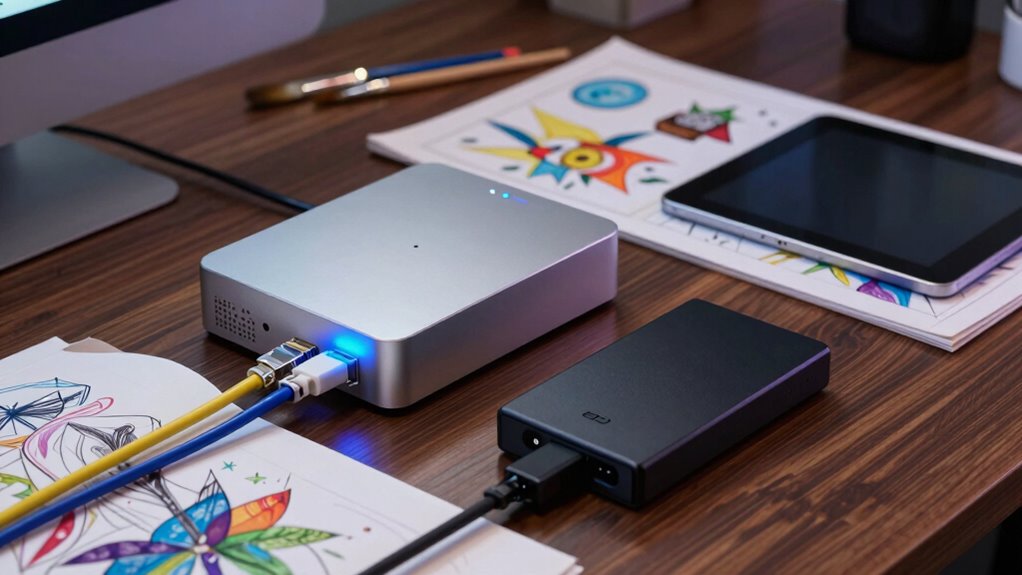

In your art archive plan, NAS storage serves as the central hub for managing large digital assets, providing collaborative access and data redundancy through RAID setups. External SSDs are perfect for portable backups and off-site storage, ensuring quick recovery and protection against local disasters. Automating backups from NAS to SSDs enhances security and simplifies maintenance. As you continue exploring, you’ll discover how combining these storage solutions creates a resilient system for safeguarding your digital treasures.

Prime made for students and young adults
- Fast, free delivery for dorm and study essentials
- Prime Video and Amazon Music included
- Member-only deals
Key Takeaways
- NAS provides centralized, secure storage for large digital art assets, supporting multi-user access and data management.
- External SSDs enable portable, high-speed backups and quick transfer of art files for off-site storage.
- Regular automated backups from NAS to SSDs enhance data redundancy and protection against hardware failures.
- Combining NAS and SSDs ensures long-term digital preservation and rapid recovery capabilities.
- Diversifying storage with NAS and external SSDs improves resilience against data loss from disasters or theft.
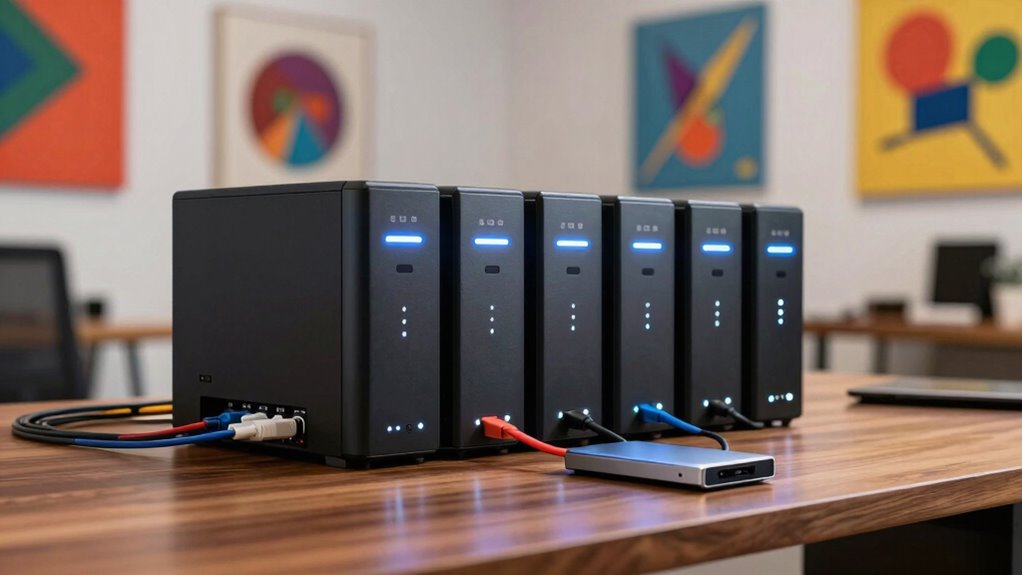
In art archives, safeguarding valuable digital assets requires reliable storage solutions, and both NAS storage and external SSDs play crucial roles in this process. Digital preservation is essential to guarantee that your collection remains intact over time, and choosing the right storage options is a critical step. NAS (Network-Attached Storage) systems offer centralized data management, making it easier to organize, access, and back up large image files, videos, and documents. Their ability to support multiple users and facilitate remote access makes them an ideal backbone for an art archive. With NAS, you can set up RAID configurations to achieve data redundancy, which protects your digital assets if a drive fails. This redundancy ensures continuous access and minimizes the risk of data loss, keeping your collection safe even in hardware failure scenarios.
External SSDs complement NAS systems by providing portable, high-speed storage that’s perfect for digital preservation tasks requiring quick access or transfer. You might use external SSDs for copying and backing up data from your primary NAS or for transferring files between locations. Their fast read/write speeds enable you to work efficiently on large files without delays. Since external SSDs are highly portable, they’re also useful for off-site storage, disaster recovery, or sharing specific assets with collaborators. This flexibility helps diversify your data redundancy strategies, adding an extra layer of security against theft, fire, or other catastrophes that could compromise your primary storage. Incorporating reliable storage solutions like NAS and external SSDs is vital in maintaining data integrity over the long term. Additionally, understanding digital preservation best practices can further enhance your archival strategy. Regularly updating your knowledge about data management can help you adapt your storage plans to evolving technology and risk factors.
Integrating both NAS storage and external SSDs into your art archive plan ensures a resilient approach to digital preservation. The NAS system acts as your main repository, where all your digital assets are stored and managed. Regular backups to external SSDs create tangible copies that can be stored in different locations, reducing the risk of total loss. You can automate backup routines so that data redundancy is maintained without constant manual intervention. This setup offers peace of mind, knowing that your collection is protected against hardware failures and other unforeseen events. Moreover, using automated backup routines ensures consistent data protection without requiring constant oversight. Incorporating off-site storage strategies can further safeguard your collection from regional disasters.
In addition, external SSDs are invaluable for rapid recovery. If your NAS encounters issues or if you need to restore data quickly, you can use your external SSDs to restore files efficiently. Their speed minimizes downtime, which is critical in maintaining access to your digital collection. Their portability also allows for quick off-site data transfer, adding an extra layer of security. Overall, combining NAS storage’s capabilities for centralized management and data redundancy with the portability and speed of external SSDs provides a reliable, resilient storage plan. This dual approach ensures your art archive’s digital assets remain preserved, accessible, and secure for years to come.
NAS storage for digital art archive
As an affiliate, we earn on qualifying purchases.
As an affiliate, we earn on qualifying purchases.
Frequently Asked Questions
How Do I Ensure Long-Term Data Preservation for My Art Archive?
To guarantee long-term data preservation for your art archive, you should implement digital cataloging to organize and easily access your files. Regularly back up your data to a reliable NAS or external SSD, and use cloud synchronization for off-site copies. This way, your digital files stay protected against hardware failures or disasters, and you can always retrieve your art collection securely and efficiently over time.
What Security Measures Are Recommended for NAS and SSD Storage?
Your NAS and SSD storage systems are practically vaults holding priceless art! To keep them safe, you should implement top-tier encryption protocols, making unauthorized access impossible. Combine this with strict access controls—think multi-factor authentication and user permissions—to prevent any sneaky intrusions. Regularly updating firmware and backing up data also fortifies your defenses, ensuring your art archive remains secure against digital threats and accidental mishaps.
Can External SSDS Be Integrated With Existing NAS Systems?
Yes, you can integrate external SSDs with your existing NAS system. To do this effectively, confirm hardware compatibility and look for models supporting cloud synchronization, which allows seamless data transfer between the SSD and NAS. Many NAS devices have USB or eSATA ports designed for external drives. By checking compatibility and leveraging cloud sync features, you make your art archive more flexible, secure, and easily accessible across platforms.
How Often Should I Back up My Art Archive Data?
You should back up your art archive data regularly, ideally weekly or monthly, depending on how often you add or change files. Use cloud synchronization for off-site copies and hardware redundancy through multiple backups to protect against hardware failure. This way, you guarantee your artwork is safe, accessible, and recoverable, minimizing potential data loss and maintaining an organized, reliable archive system.
What Are the Cost Differences Between NAS and External SSD Options?
Think of cost differences like a tug-of-war; NAS systems usually cost more upfront but offer better data redundancy and scalability, especially with cloud storage options. External SSDs are more budget-friendly initially and portable, but they might need frequent replacements and lack extensive redundancy. Weigh your needs carefully—if long-term growth and safety matter, investing in NAS makes sense, even if it costs more upfront.
As an affiliate, we earn on qualifying purchases.
Conclusion
As you consider your art archive’s future, remember that choosing between NAS storage and external SSDs isn’t just a technical decision—it’s about safeguarding your legacy. Will your current setup stand the test of time, or will you face unexpected challenges? The right choice could mean the difference between preservation and loss. Stay vigilant, stay prepared, and trust that your passion for art deserves nothing less than the best protection—because what’s at stake is truly priceless.
high-speed external SSD for creative files
As an affiliate, we earn on qualifying purchases.
As an affiliate, we earn on qualifying purchases.
RAID NAS system for data redundancy
As an affiliate, we earn on qualifying purchases.
As an affiliate, we earn on qualifying purchases.
Halloween Picks
halloween
As an affiliate, we earn on qualifying purchases.