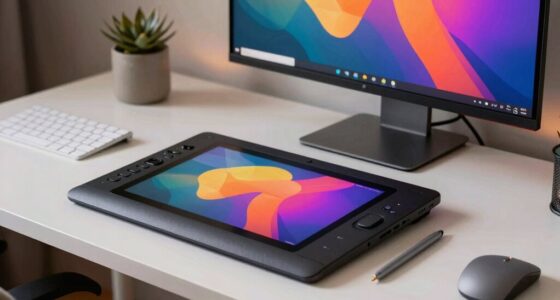

Using monitor arms, docking stations, and dual screens can greatly improve your workspace by freeing up desk space and allowing you to adjust your screens to the perfect height and angle. This setup helps you maintain an ergonomic posture, reducing neck, shoulder, and eye strain during long work sessions. Plus, a docking station keeps your devices organized and guarantees seamless connectivity. Stay tuned to discover how these tools can make your digital art workflow more comfortable and efficient.
Listen free for 30 days with Audible
Thousands of audiobooks and originals — cancel anytime.
As an affiliate, we earn on qualifying purchases.
Key Takeaways
- Monitor arms optimize ergonomic positioning, reducing neck and eye strain during long digital art sessions.
- Docking stations streamline device connectivity, minimizing workspace clutter and supporting high-resolution dual displays.
- Proper monitor placement at eye level enhances comfort and promotes natural posture for extended work periods.
- Color calibration tools ensure consistent color accuracy across screens and prints, vital for digital artists.
- Ergonomic workspace accessories improve overall comfort, productivity, and physical health for digital artists.
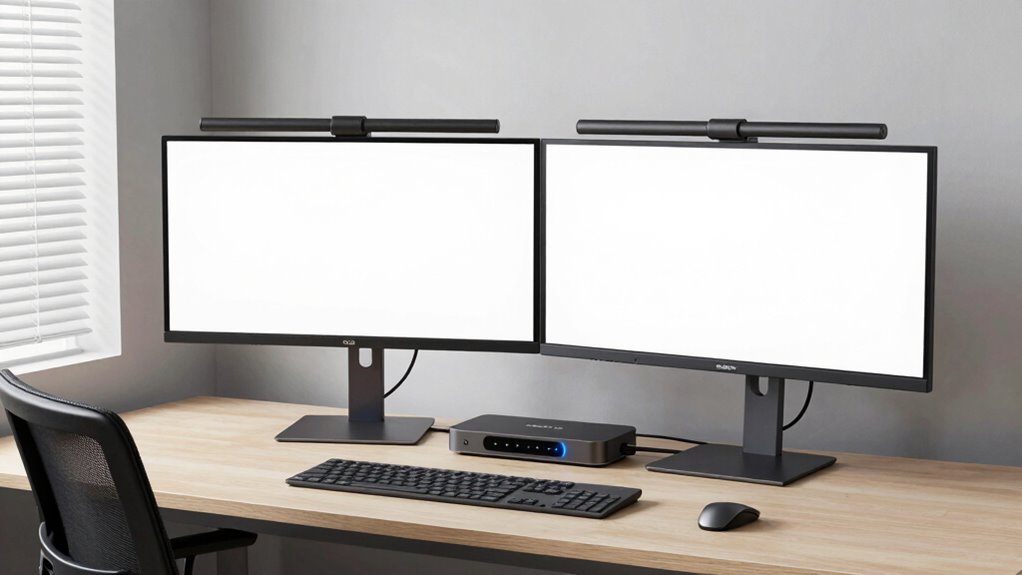
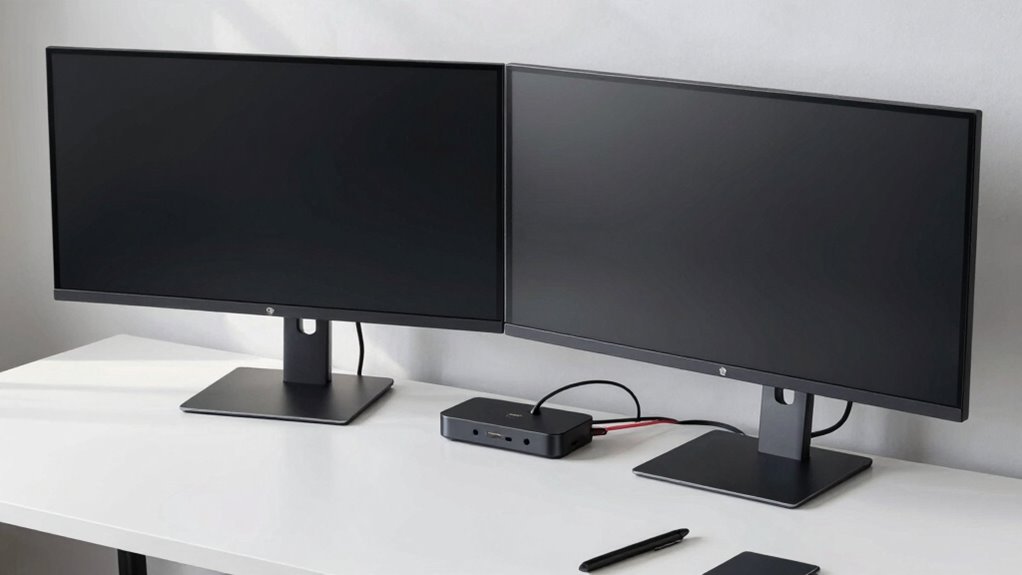
For digital artists, having the right workspace setup can make all the difference in productivity and comfort. When you invest in monitor arms, you’re not just freeing up desk space—you’re also allowing yourself to adjust your screens to the ideal height and angle. This flexibility helps you maintain an ergonomic posture, which is essential for long hours of work. Proper monitor positioning reduces neck, shoulder, and eye strain, making your creative process smoother. Plus, using monitor arms enables you to position dual screens side-by-side or in an L-shape, creating an expansive workspace that enhances your workflow. When your screens are at eye level, your posture naturally aligns, preventing discomfort and fatigue. This setup also makes it easier to switch focus between tasks without constantly craning your neck or hunching over your desk.
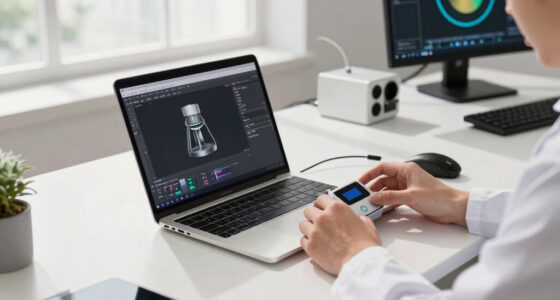
Next, consider a docking station to streamline your digital workspace. A good docking station connects all your devices—laptops, external drives, printers, and peripherals—through a single hub. This minimizes clutter and keeps your workspace organized, which boosts productivity. It also allows you to easily connect multiple monitors and accessories without fumbling with cables. When you’re working with dual screens, a docking station ensures seamless connectivity, so you don’t experience lag or disconnects that disrupt your creative flow. Additionally, many docking stations support high-resolution displays, so your color calibration remains precise, whether you’re editing photos or designing graphics. Accurate color calibration is essential to guarantee your work looks consistent across different devices and when printed, which is vital for professional digital artists. Proper workspace setup and a well-calibrated monitor set-up guarantees your colors stay true, saving you time and frustration during revisions. Investing in quality workstation equipment can also improve your overall efficiency and comfort. Incorporating ergonomic accessories, such as keyboard trays and wrist rests, can further enhance your comfort during extended work sessions. Establishing an ergonomic workspace can also help prevent long-term physical issues and improve your overall well-being. To maximize your productivity, consider monitor placement strategies that optimize your entire workspace and reduce physical strain.
adjustable monitor arm for dual screens
As an affiliate, we earn on qualifying purchases.
As an affiliate, we earn on qualifying purchases.
Frequently Asked Questions
What Are the Best Materials for Durable Monitor Arms?
You should look for monitor arms made from durable materials like steel or aluminum. Steel offers excellent material durability, ensuring your arm withstands daily use, while aluminum combines strength with lightweight adjustability. Both materials provide sturdy arm adjustability, allowing you to easily position your screens for comfort. Investing in monitor arms crafted from these materials guarantees longevity, stability, and smooth adjustments, making them ideal for a reliable workspace.
How Do Docking Stations Affect Graphics Card Performance?
Docking stations generally don’t slow down your graphics card directly, but they can cause bottlenecks if they limit bandwidth or don’t support high-speed data transfer. To prevent graphics card bottlenecks, choose docking stations with robust cooling solutions and ample bandwidth options. This guarantees your GPU performs at its best, especially when running demanding creative software. Proper cooling also helps keep your system stable during intensive tasks, maintaining smooth graphics performance.
Can Dual Screens Cause Eye Strain Over Long Periods?
Yes, using dual screens can cause eye strain and visual fatigue over long periods. You might find yourself constantly shifting focus between screens, which can tire your eyes. To reduce discomfort, make sure your monitors are at eye level, use proper lighting, and take regular breaks. Adjusting brightness and contrast helps prevent eye strain, making your dual-screen setup more comfortable for extended work sessions.
Are There Wireless Options for Monitor Arms?
Surprisingly, yes, there are wireless options for monitor arms. You can find models with wireless connectivity or even battery-powered arms, offering greater flexibility and fewer cables cluttering your workspace. Ironically, these wireless solutions often come with concerns about battery life and stability. Still, they’re perfect if you crave a clean setup and dislike tripping over cords, making your digital art station sleek and mobile.
What Ergonomic Accessories Complement Dual-Screen Setups?
To enhance your dual-screen setup, consider ergonomic accessories like adjustable monitor stands for precise height adjustment, guaranteeing comfortable viewing angles. Cable management tools help keep your workspace tidy and prevent clutter, reducing strain and distractions. You might also look into ergonomic keyboard and mouse supports, which can improve posture. Combining these accessories guarantees your workspace supports your health, boosts productivity, and creates a seamless, comfortable environment tailored to your digital artistry needs.
USB-C docking station for laptops
As an affiliate, we earn on qualifying purchases.
As an affiliate, we earn on qualifying purchases.
Conclusion
Investing in quality monitor arms, docking stations, and dual-screen setups transforms your creative space into a powerhouse of comfort and productivity. These tools are like the steady backbone of a tall tree—supporting your artistic growth and making your workflow smoother. With the right gear, you’ll find yourself more inspired, less strained, and ready to bring your ideas to life with ease. Embrace these upgrades and watch your digital artistry flourish like a well-nurtured garden.
ergonomic monitor stand for desk
As an affiliate, we earn on qualifying purchases.
As an affiliate, we earn on qualifying purchases.
color calibration tool for digital artists
As an affiliate, we earn on qualifying purchases.
As an affiliate, we earn on qualifying purchases.
NFL season / tailgating Picks
team gear
As an affiliate, we earn on qualifying purchases.