
TL;DR

Prime made for students and young adults
- Fast, free delivery for dorm and study essentials
- Prime Video and Amazon Music included
- Member-only deals
This article explains how local processing systems transform one video into an entire publishing kit—clips, captions, metadata, and social content—without needing cloud services. It boosts privacy, speeds up workflows, and reduces recurring costs, making it ideal for creators and organizations with strict data needs.
Imagine finishing a video and instantly having every piece you need to publish everywhere—short clips, captions, blog drafts, social posts—all ready for review. No waiting for cloud processing, no data leaks, just your machine doing the heavy lifting. This isn’t sci-fi. It’s the future of video publishing, where one file becomes an entire media empire, all on your terms.
In this guide, you’ll see how a local-first workflow can turn a single video into a complete publishing package. We’ll explore the tools, the hardware, and the big shifts happening in 2025 that make this possible. Plus, I’ll share concrete examples and practical tips so you can start doing it today.
Key Takeaways
- A local-first publishing system can generate every asset—from clips to metadata—from a single video, without cloud dependency.
- Processing occurs directly on your hardware, offering faster turnaround, better privacy, and no subscription fees.
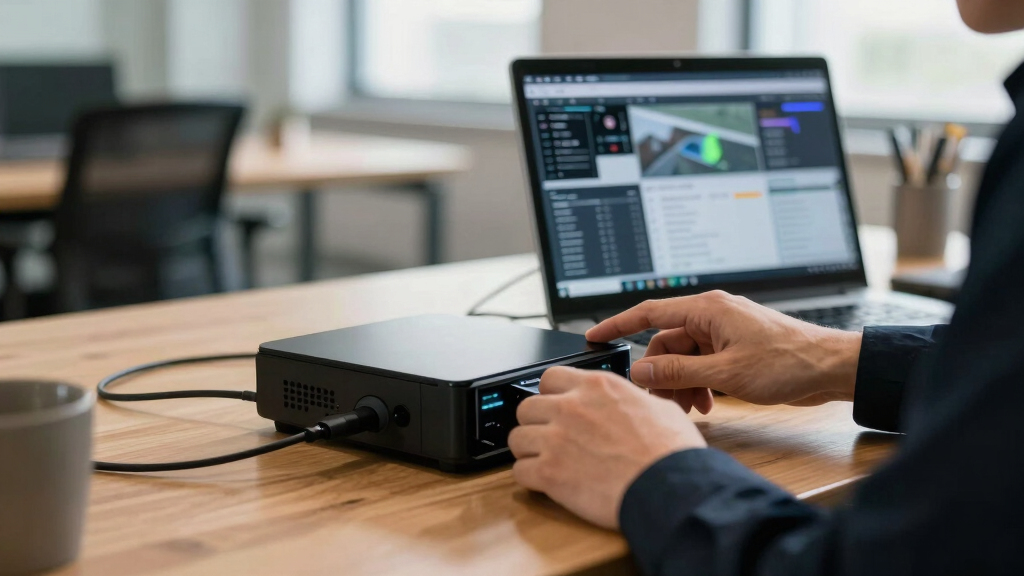
- Modern appliances like ChannelHelm combine AI, storage, and media management in a compact, on-premise device.
- While cloud systems still have their place, local workflows are increasingly cost-effective and control-boosting, especially for private or solo projects.
- You don’t need a data center—just a capable device and smart software to turn one video into a full publishing kit.
As an affiliate, we earn on qualifying purchases.
What Does ‘One Video In, a Whole Publishing Kit Out’ Really Mean?
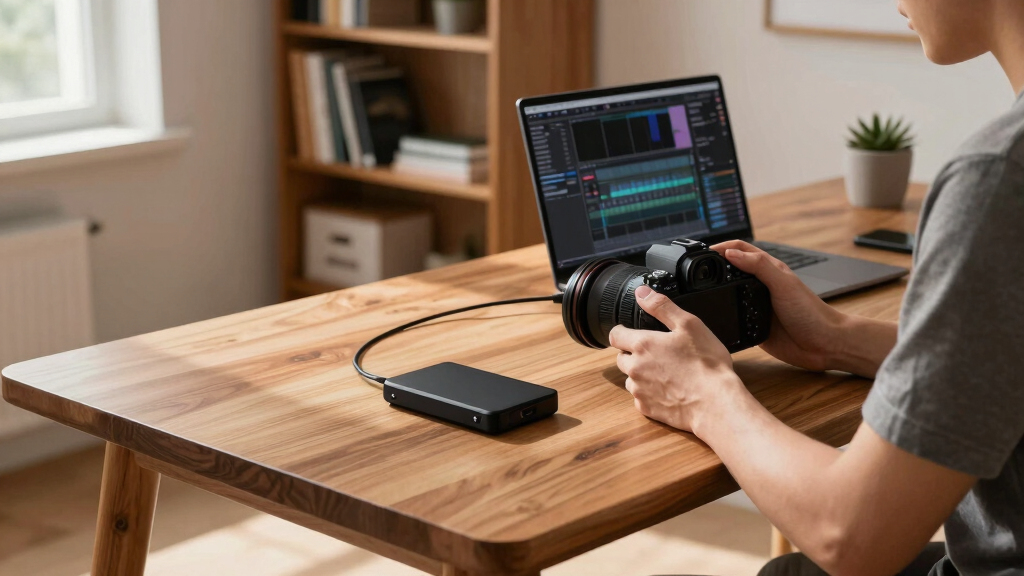
At its core, this phrase describes a workflow where a single source video fuels every output you need—clips, captions, metadata, social posts—without relying on cloud services. Think of it as a mini media factory on your desk.
For example, upload a 10-minute interview, and instantly get a highlight reel, a transcript, social snippets, and blog drafts—all created locally. The magic lies in processing power and smart software that understands both the video’s content and context, without ever needing to send your footage to an external server.
Why this matters: By consolidating all these outputs into a local process, creators and organizations gain the ability to produce content faster and with greater control. They can respond to breaking news, client requests, or social trends immediately, without waiting for cloud-based render times or risking data breaches. It also reduces costs associated with cloud storage and processing, making the workflow more sustainable and environmentally friendly.

As an affiliate, we earn on qualifying purchases.
How Does a Local Workflow Create All Your Publishing Assets?
Here’s the step-by-step process that turns one video into a full kit:
- Ingest: Drop your video or paste a link — the system detects the source automatically.
- Analyze: Local AI transcribes speech, detects scene changes, reads on-screen text, and identifies key moments.
- Fuse & Extract: The system aligns audio and visuals, tagging important segments, hooks, and themes.
- Generate & Package: It creates titles, descriptions, social clips, blog drafts, and metadata, all stored locally.
Why this process is impactful: Each step is optimized for speed and accuracy, leveraging advanced local AI models that are becoming more powerful and accessible. This means you’re not just copying what cloud services do—you’re gaining a tailored, private, and immediate content pipeline. The tradeoff is that hardware needs to be sufficiently capable, but with the latest advancements, even mid-range devices can handle complex tasks efficiently. This local processing also reduces dependency on internet bandwidth, ensuring consistent performance regardless of network conditions.

on-premise media management device
As an affiliate, we earn on qualifying purchases.
As an affiliate, we earn on qualifying purchases.
Local AI vs Cloud AI — Why It Matters
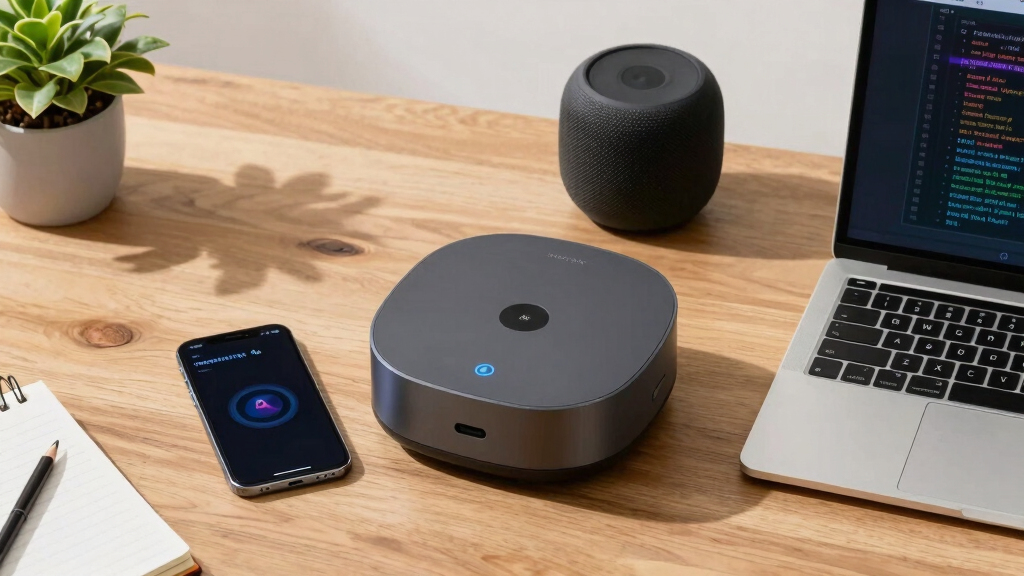
Local AI means all processing happens on your hardware, not on remote servers. This approach offers faster turnaround, better privacy, and eliminates subscription fees. For example, a 2025 NVR device like the ChannelHelm system handles everything on-site, from transcription to content creation.
Understanding the implications: When AI runs locally, it reduces latency significantly—processing a video that might take several minutes or more in the cloud can often be done in a fraction of that time. This immediacy is crucial for real-time editing, quick turnarounds, or sensitive content where privacy is paramount. Additionally, avoiding cloud dependence means you’re not locked into ongoing subscription costs, which can escalate over time. Instead, you make a one-time investment in hardware that pays dividends over multiple projects, providing long-term savings and control. Astrophotography enthusiasts also benefit from local processing.
Furthermore, local AI reduces data exposure risks—your footage stays within your environment, significantly lowering the chance of leaks or breaches. This is especially important for organizations handling confidential or proprietary content. On the flip side, cloud AI may offer access to larger models or updates faster, but the tradeoffs in control and privacy are substantial for many users.
As an affiliate, we earn on qualifying purchases.
What Hardware Do You Need to Make This Work?
You don’t need a data center—just a capable, local device. The latest hardware packs AI, storage, and processing into a compact unit. For example, a device with a quad-core processor, 16GB RAM, and support for up to 24TB of storage handles all tasks. Learn more about sustainable tech solutions.
Why this is significant: Hardware advancements mean that powerful local processing is no longer exclusive to large media companies. Small studios, independent creators, and even educational institutions can now afford and operate these systems. They provide a dedicated environment for AI tasks, ensuring consistent performance and security. This shift reduces reliance on external cloud services, lowers ongoing costs, and enhances data sovereignty. As these appliances evolve, they become more user-friendly, with plug-and-play setups and integrated management interfaces, making high-quality local processing accessible to a broader audience. For more insights on innovative tech solutions, visit this resource.

Why ‘Without the Cloud’ Is a Game-Changer for Privacy and Control
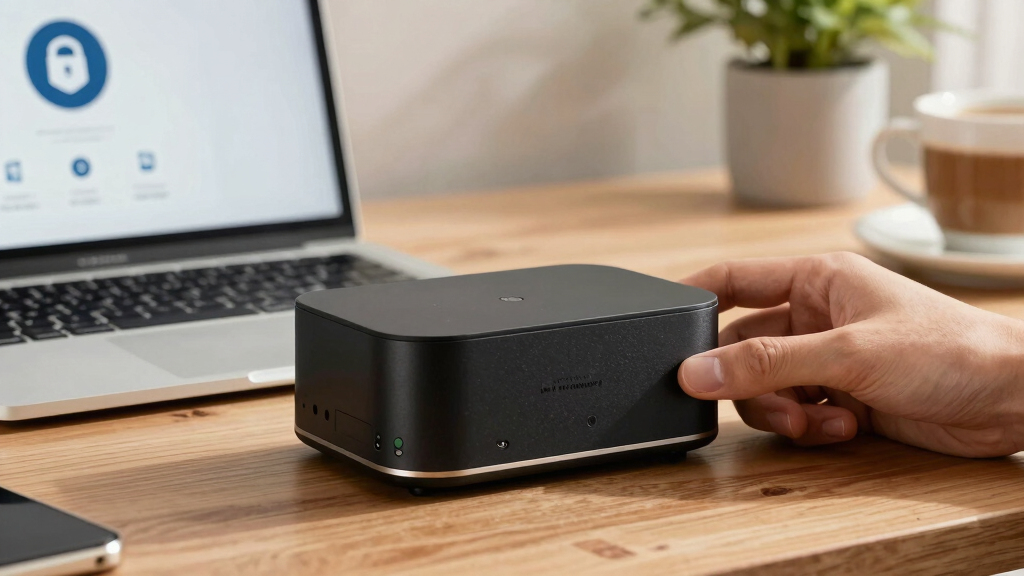
Storing and processing videos locally means your footage stays with you. No third-party servers, no data leaks. For instance, security teams using local video processing can analyze footage in real-time without risking exposure.
This approach also speeds up workflows. No waiting for uploads or processing delays. Immediate access to assets allows for rapid iteration, especially in time-sensitive situations like news or live events. Plus, you avoid ongoing subscription costs—a big plus for solo creators and small teams trying to keep expenses predictable. This independence from cloud services means you can maintain strict compliance with privacy regulations and safeguard sensitive data, which is increasingly critical in today’s data-conscious environment. Environmental issues and sustainable living practices also benefit from local processing solutions.etup, but the long-term benefits—security, speed, and control—often outweigh these initial costs.
Real-world scenario: A local system enables a YouTuber to generate social clips instantly during editing, with no cloud delays, ensuring faster publishing and better privacy. Similarly, security agencies can analyze footage on-site, reducing risk and response time, ultimately enhancing operational security and data sovereignty.
Cost Comparison: Local System vs Subscription Cloud Platforms
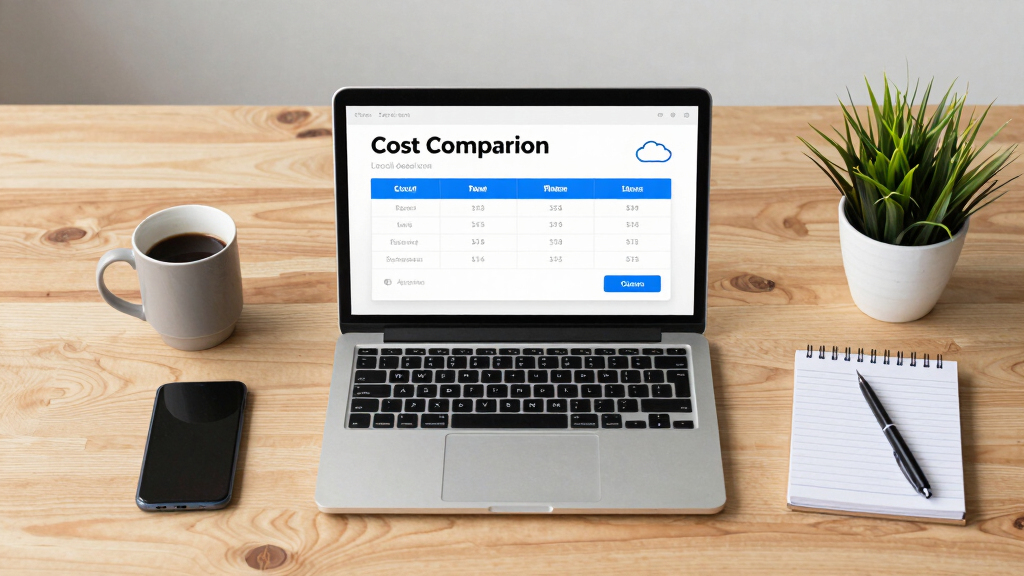
Here’s a quick look at costs:
| Item | Local System | Cloud Platform |
|---|---|---|
| Hardware (one-time) | $1,200 (e.g., ChannelHelm device) | N/A |
| Subscription Fees | None | $50–$300/month |
| Storage & Data Privacy | Own hardware, full control | Vendor-controlled, potential privacy risks |
Over time, the initial hardware investment in a local system is amortized across multiple projects, and recurring subscription fees are eliminated. For heavy publishers, this can translate into savings of hundreds or even thousands of dollars annually. The ability to scale processing power and storage as needed also offers long-term flexibility, unlike fixed cloud plans that may become more expensive as your needs grow. Ultimately, this cost structure empowers creators and organizations to maintain tighter control over their budgets while enjoying faster, more secure workflows.
Limitations and When a Cloud Might Still Help
Local processing is powerful but not a one-size-fits-all solution. Large-scale, collaborative projects with teams spread across multiple locations might still benefit from cloud sharing and collaboration tools. Cloud platforms enable seamless file sharing, version control, and remote editing, which are essential for distributed workflows. For instance, a global media company might use cloud storage to keep assets synchronized across offices worldwide, facilitating coordinated content production.
However, for solo creators, small teams, or organizations with strict privacy requirements, the benefits of local processing—speed, control, and security—often outweigh the advantages of cloud collaboration. The tradeoff involves upfront hardware costs and the need for on-site maintenance, but these are often justified by the increased independence and reduced ongoing expenses. As technology advances, hybrid approaches that combine local processing with selective cloud services are becoming more common, offering flexibility based on project needs.
Who Will Love This Approach? Creators, Security Teams, and More
If you’re a solo creator tired of cloud fees or privacy worries, local workflows are perfect. Security teams needing real-time analysis without data leaks also benefit.
Small publishers, educational institutions, and even corporate training teams can leverage local AI to streamline content creation and distribution, all while maintaining full control over their data. For example, a school using local AI-powered cameras can analyze footage instantly on-site, ensuring student privacy while enabling quick incident response. Similarly, independent filmmakers can process and edit their videos entirely offline, reducing costs and enhancing security. The key is that this approach empowers users to operate independently of external services, giving them full sovereignty over their content and data, which is increasingly vital in a privacy-conscious world.
Frequently Asked Questions
What does ‘without the cloud’ actually mean?
It means all processing, analysis, and asset creation happen locally on your hardware, without sending your videos or data to remote servers. You control every step and keep everything on-site.
What kinds of outputs can one video generate?
You can produce clips, captions, transcripts, metadata, social media snippets, blog drafts, and even distribution-ready assets—all from a single source video, processed locally.
Is the workflow fully local, or only partially local?
It can be fully local if you have the right hardware. Some systems might integrate cloud storage or collaboration, but the core processing and asset creation happen on your device.
Do I need special hardware to do this?
Yes, a capable local device with AI processing power, storage, and media management features. Capable local appliances are designed for this purpose.
How is this different from cloud-based publishing or video AI tools?
Cloud tools rely on remote servers, often with recurring costs and privacy concerns. Local systems process everything on-site, offering faster turnaround, better data control, and no ongoing fees.
Conclusion
Moving your entire publishing pipeline offline transforms how you control your media. It’s faster, safer, and often cheaper—plus, you keep your footage away from prying eyes.
In a world increasingly wary of data leaks and vendor lock-in, mastering local-first workflows isn’t just smart—it’s essential. So, why not start with one video and see how much you can create—right on your own terms?
Fall Picks
fall essentials
As an affiliate, we earn on qualifying purchases.