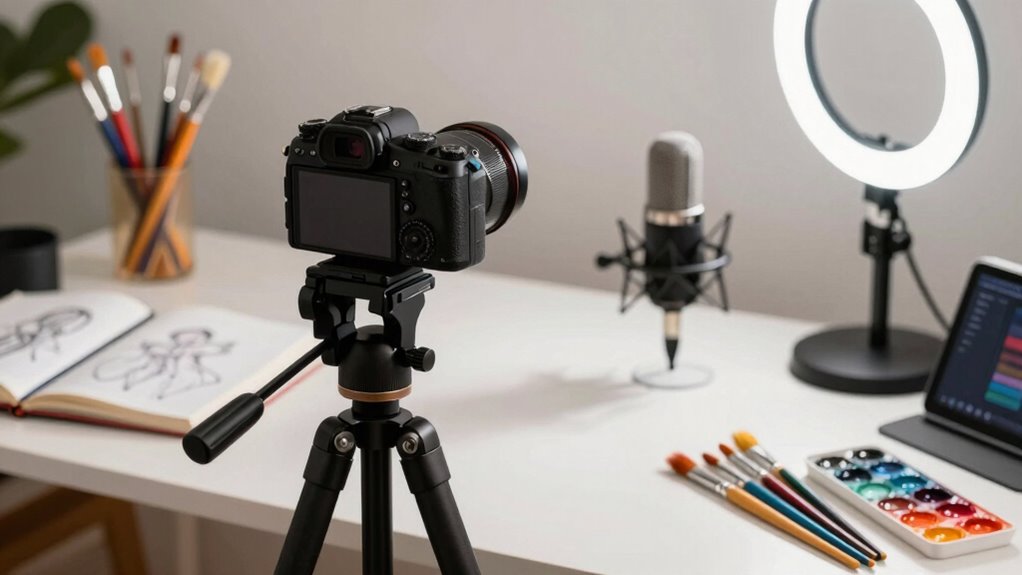
To create better process videos without more gear, focus on excellent lighting and simple editing techniques. Use softbox or ring lights positioned at angles to highlight your artwork and eliminate shadows. Keep your setup minimal, emphasizing good framing and composition. Use affordable editing software for clean cuts, zooms, and overlays that highlight key steps. Small adjustments can make a big difference in quality. If you want practical tips on optimizing your current gear, there’s more to discover below.
Key Takeaways
- Focus on essential lighting equipment like softbox or ring lights to improve video quality without clutter.
- Use a stable, simple camera setup or smartphone with good stabilization for clear footage.
- Incorporate basic editing tools to enhance visuals, highlight steps, and maintain viewer engagement.
- Frame artwork properly with thoughtful composition to make the content visually appealing.
- Prioritize consistent lighting and minimal setup adjustments for professional-looking process videos.
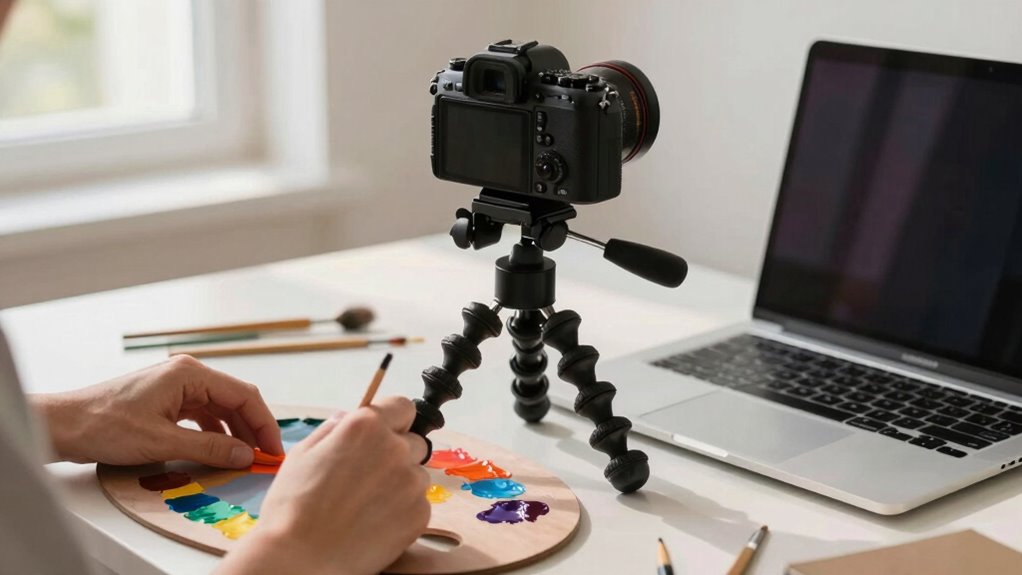
If you’re looking to elevate your process videos and create more engaging content, investing in the right gear is essential. You don’t need a mountain of equipment—just the right tools and techniques can make a significant difference. One of the most important aspects is your lighting setup. Proper lighting not only highlights your work but also reduces shadows and glare that can distract viewers. You want a setup that’s simple yet effective, like softbox lights or ring lights, which evenly illuminate your workspace without harsh shadows. Position your lights at an angle to eliminate unflattering shadows and ensure your art remains the focus. This straightforward lighting setup can dramatically improve the visual quality of your videos without requiring complex or expensive gear. Additionally, understanding effective lighting techniques can help you optimize your setup for even better results.
Once your lighting is on point, the next step is mastering your editing techniques. Good editing can turn a decent video into captivating content. Focus on clean cuts, zooms, and highlighting specific areas of your work to guide viewers through your process. Use simple transitions that don’t distract from your art but add a professional touch. Incorporate overlays or text to emphasize key steps or tools, which helps viewers follow along easily. You don’t need high-end editing software—many free or affordable options offer enough features to enhance your videos. The goal is to keep your editing concise and purposeful, removing unnecessary footage and emphasizing the most engaging parts of your process. Streamlined editing techniques can significantly enhance viewer engagement and make your videos more professional. Developing proper framing and composition skills can further elevate your content by creating more visually appealing shots. Remember, even small adjustments in lighting position or editing style can have a big impact on the overall quality of your videos.

Torjim Softbox Photography Lighting Kit, 16'' x 16'' Professional Softbox Lighting Kit with 85W 3000-7500K LED Bulbs, Studio Lights for Photography/Video Recording/Live Streaming/Portraits Shooting
- High-Quality Reflective Fabric: Soft, even, wide illumination
- Energy-Saving LED Bulb: 85W, 3000-7500K, long-lasting
- Sturdy Aluminum Tripod: Secure locking, scratch-resistant
As an affiliate, we earn on qualifying purchases.
As an affiliate, we earn on qualifying purchases.
Frequently Asked Questions
How Do I Choose the Right Camera for Process Videos?
To choose the right camera for process videos, consider camera specs like resolution, frame rate, and low-light performance. Opt for a camera with good autofocus and image stabilization to keep your footage smooth. Focus on lens choices too—wide-angle lenses capture more of your workspace, while prime lenses offer sharper images. Select a camera that fits your shooting environment and style, ensuring you get clear, professional-quality videos without unnecessary gear.
What Lighting Setup Improves Video Quality on a Budget?
Think of your lighting setup as the spotlight that reveals your art’s true colors. To improve video quality on a budget, use simple lighting techniques like natural light or DIY softboxes. Budget lighting options include using affordable LED ring lights or clamp lights with daylight bulbs. Position your lights to minimize shadows and make certain your work is evenly lit. This approach creates a professional look without breaking the bank.
Which Editing Software Is Best for Artists?
You should try software like DaVinci Resolve, which excels at color grading and segue effects, making your videos look professional without a steep learning curve. It’s perfect for artists who want creative control and high-quality results. With its intuitive interface, you can easily enhance your content, add smooth segue effects, and perfect your color grading, all while staying budget-friendly. It’s a powerful tool designed to elevate your videos effortlessly.
How Can I Stabilize Shaky Footage Easily?
To stabilize shaky footage, start by ensuring tripod stability—use weights or stabilize the surface. For handheld shots, practice steady techniques like keeping elbows close to your body. For example, a painter recorded their process using a tripod and smooth handheld moves, resulting in clearer footage. If needed, use editing software with stabilization features, but focus on good tripod stability and steady handheld techniques during filming for best results.
What Audio Equipment Enhances Process Videos?
To enhance process videos, invest in a good lavalier or shotgun microphone for clear audio. Focus on proper microphone placement to capture your voice accurately, reducing background noise. Use audio editing techniques like noise reduction and equalization to improve sound quality further. These steps guarantee your commentary is crisp and engaging, making your process videos more professional without needing extra gear. Clear audio keeps viewers engaged and helps convey your artistic process effectively.

UBeesize 12'' LED Ring Light with 62'' Tripod Stand, Selfie Ring Light for Video Recording, Live Streaming, TikTok & YouTube, Compatible with iPhone & Android (Black)
- Powerful 12-inch LED Ring Light: 240 LEDs, 10W brightness for even lighting
- Customizable Brightness & Color: 10 levels, 5 color temps from 3000K to 6000K
- Extendable 62-inch Tripod & Selfie Stick: Adjustable height, doubles as handheld stick
As an affiliate, we earn on qualifying purchases.
As an affiliate, we earn on qualifying purchases.
Conclusion
So, you’ve got the shiny new gear, the perfect setup—it’s all about the tools, right? Well, don’t forget, it’s not about the gear, it’s about what you create with it. No fancy camera or mic can replace genuine passion and storytelling. So, keep your focus on your art, not the accessories. After all, the best content comes from a heart, not a gadget. Gear up, then get real.
![VideoPad Video Editor Free - Create Stunning Movies and Videos with Effects and Transitions [Download]](https://m.media-amazon.com/images/I/810xsDCJ4eL._SL500_.png)
VideoPad Video Editor Free – Create Stunning Movies and Videos with Effects and Transitions [Download]
- Comprehensive editing tools: Edit videos and pictures easily
- Creative effects and transitions: Add fun effects and smooth transitions
- Audio integration: Record, add, or select stock sounds
As an affiliate, we earn on qualifying purchases.
As an affiliate, we earn on qualifying purchases.

DJI Osmo Mobile 7 Gimbal Stabilizer for iPhone, Android, Built-in Tripod, Portable Stabilizer for iPhone, Selfie Stick, 3-Axis Phone Gimbal, ActiveTrack 7.0, One-Tap Edit, 10hrs Use, Phone Charging
- 3-Axis Gimbal Stabilization: Ensures smooth, lossless stability
- Foldable Design with Built-in Tripod: Compact, portable, easy to store
- ActiveTrack 7.0: Diverse subject tracking capabilities
As an affiliate, we earn on qualifying purchases.
As an affiliate, we earn on qualifying purchases.