To build a practical digital art setup, start by choosing a pen display or monitor with wide color gamuts like Adobe RGB or DCI-P3 for accurate color representation. Make certain your screen is at eye level and your workspace is organized for comfort, reducing strain during long sessions. Use calibration tools regularly to keep colors consistent across devices. Proper lighting and an adjustable chair help improve your workflow. Keep exploring how each element fits together for a professional workspace that enhances creativity.

Prime made for students and young adults
- Fast, free delivery for dorm and study essentials
- Prime Video and Amazon Music included
- Member-only deals
Key Takeaways
- Choose a pen display or monitor with wide color gamuts (Adobe RGB, DCI-P3) and high resolution (4K) for detailed, color-accurate work.
- Position your screen at eye level and use an ergonomic chair to promote proper posture and reduce fatigue.
- Calibrate your display regularly with quality tools to ensure consistent, true-to-vision color reproduction across devices.
- Keep your workspace organized and well-lit with natural or diffused lighting to minimize eye strain and enhance focus.
- Select tools that match your workflow, whether digital painting, illustration, or photo editing, for a seamless creative process.
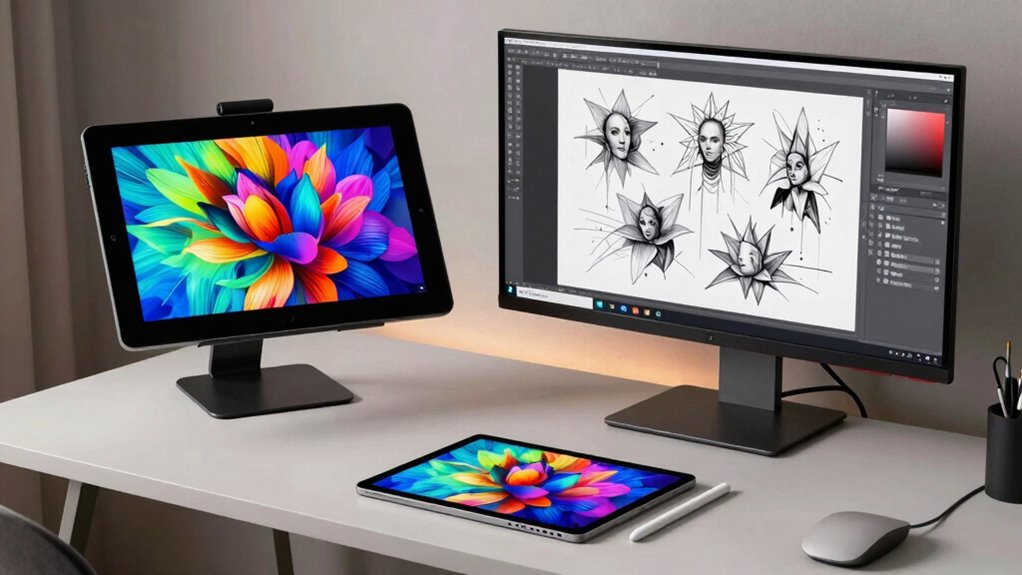
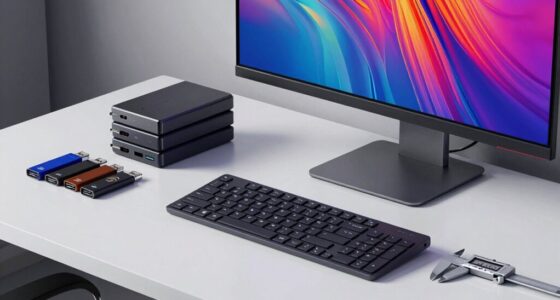
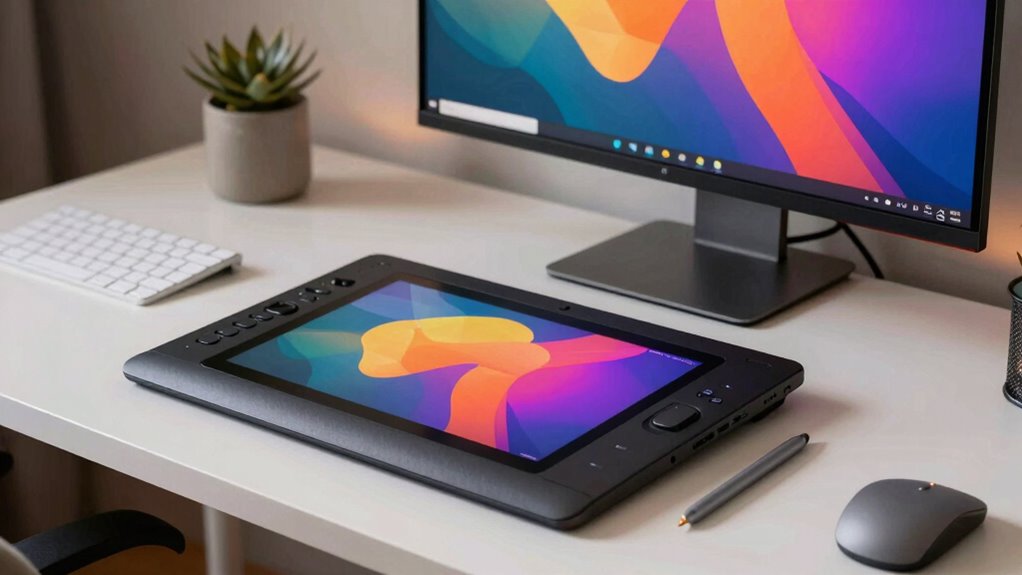
In today’s digital art and design world, pen displays, tablets, and monitors have become essential tools for creatives seeking precision and versatility. When building your digital art setup, one of the first things to consider is creating an ergonomic workspace. An ergonomic setup helps prevent fatigue and strain, especially during long creative sessions. Position your pen display or monitor at eye level, so you don’t have to hunch or twist your neck. Invest in a comfortable, adjustable chair that supports good posture, and arrange your workspace to keep your wrists straight when using a stylus or mouse. Proper lighting is also vital; natural light or soft, diffused lamps reduce glare and eye strain. Keeping your workspace organized with enough space for your tools and reference materials will boost efficiency and help you stay focused.
Create an ergonomic workspace with proper positioning, lighting, and organization for comfortable, efficient digital art sessions.
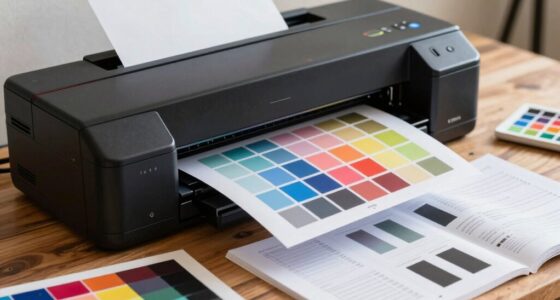
Color calibration is another essential aspect of building a professional digital art setup. No matter how high-end your pen display or monitor is, if it isn’t properly calibrated, your colors will appear inaccurate. This can cause issues when printing or sharing your work, as colors won’t match your original vision. To guarantee precise color reproduction, invest in a good color calibration tool and regularly calibrate your display. This guarantees that the colors you see on screen will be consistent across different devices and in print. When selecting a monitor or pen display, look for models that support wide color gamuts, such as Adobe RGB or DCI-P3, enabling you to work with a broader range of colors for more vibrant and true-to-life images. Additionally, understanding color accuracy is crucial for achieving professional results in digital art.
Additionally, think about the size and resolution of your display. Larger screens with higher resolutions, like 4K, give you more workspace and finer detail, making it easier to work on complex projects. If your budget allows, opt for a pen display that combines tactile control with excellent color accuracy, reducing the need for multiple devices. Remember, your setup should be tailored to your workflow and preferred medium, whether digital painting, illustration, or photo editing. Paying attention to display calibration ensures your work remains consistent and true to your creative vision.
Ultimately, creating an ergonomic workspace paired with proper color calibration makes a significant difference in your creative process. It not only enhances your comfort but also guarantees your work is consistent, accurate, and professional. When your tools are optimized for precision and your environment supports focus, you’ll find it easier to produce your best work every time.
As an affiliate, we earn on qualifying purchases.
Frequently Asked Questions
How Do I Choose the Right Pen Pressure Sensitivity?
To choose the right pen pressure sensitivity, focus on your preferred pressure sensitivity settings and stylus compatibility. Test different levels to find what feels natural for your artwork, ensuring smooth lines and control. Check if your stylus works seamlessly with the device, offering responsive pressure detection. Prioritize devices with adjustable sensitivity options, so you can customize the feel. Ultimately, select a setup that enhances your comfort and creative flow.
What Are the Best Ergonomic Setups for Long Drawing Sessions?
Think of your ergonomic setup like a well-tuned instrument—you’ll create better art with less strain. Sit in an ergonomic chair with proper positioning, keeping your screen at eye level. Use wrist support techniques to reduce fatigue and avoid strain. Keep your shoulders relaxed, and take regular breaks. This approach helps prevent discomfort, allowing you to draw longer and more comfortably, so your creativity flows without pain.
How Do I Calibrate Color Accuracy Across Devices?
To calibrate color accuracy across your devices, start with color calibration tools like a colorimeter or spectrophotometer. Use calibration software to create accurate display profiles for each device, ensuring consistent color reproduction. Regularly update these profiles, especially after any display adjustments or updates. This process guarantees your colors stay true across screens, giving you confidence in your digital artwork’s consistency and accuracy.
Can I Use a Pen Display With a Macbook or Chromebook?
Yes, you can use a pen display with a MacBook or Chromebook, but you’ll need the right connections and software. Make sure your stylus grip feels comfortable and that the screen glare isn’t too harsh, which can affect your work. Check compatibility and drivers beforehand, as some devices may require adapters. Proper setup guarantees smooth drawing and color accuracy, making your digital art experience seamless on either device.
What Software Compatibility Issues Should I Be Aware Of?
You might face software compatibility issues that threaten to derail your creative flow—imagine your tools suddenly refusing to work! Keep your software updated to prevent crashes and glitches. Watch out for driver conflicts, which can turn your drawing tablet into a paperweight overnight. Regularly check for updates and compatibility notes from manufacturers. Staying proactive guarantees your digital art setup runs smoothly, so you can focus on creating masterpieces instead of troubleshooting.
color calibration tool for monitors
As an affiliate, we earn on qualifying purchases.
As an affiliate, we earn on qualifying purchases.
Conclusion
Setting up your digital art workspace with the right pen display, tablet, or monitor can boost your creativity and efficiency. Did you know that over 60% of digital artists report increased productivity when using dedicated pen displays? Choosing the right tools isn’t just about hardware—it’s about inspiring your artistic flow. So, invest thoughtfully, and watch your skills and ideas flourish in a seamless, inspiring environment that truly makes sense for your creative journey.
ergonomic adjustable office chair
As an affiliate, we earn on qualifying purchases.
As an affiliate, we earn on qualifying purchases.
As an affiliate, we earn on qualifying purchases.
Halloween Picks
halloween
As an affiliate, we earn on qualifying purchases.