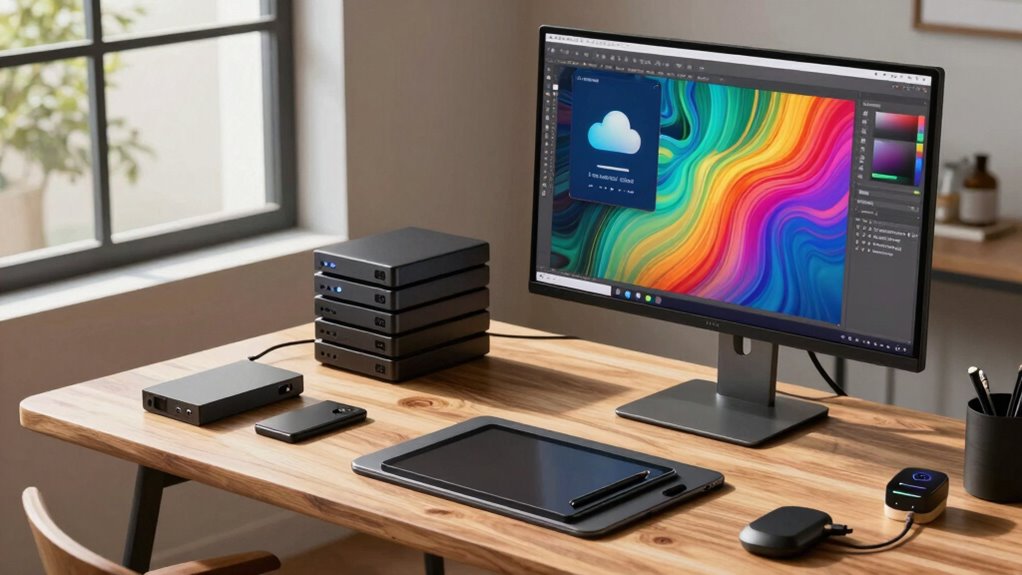

To protect your art business, you need consistent backup habits. Automate backups daily or weekly to prevent forgetting, and keep copies in separate locations like cloud storage and external drives. Use encryption and strong passwords to secure sensitive files, and take advantage of version control features to track project changes. Regularly review and update your backup plan to stay ahead of new threats. Keep these habits in mind, and you’ll strengthen your data safety—more tips are just ahead.

Get school and study supplies delivered free — and shop member deals
- Fast, free delivery on millions of items
- Access to Prime Big Deal Days deals on October 6–7
- Prime Video, Amazon Music and more included
Key Takeaways
- Automate regular backups to ensure consistent data protection without manual effort.
- Store backups in multiple locations, such as cloud and external drives, for redundancy.
- Use encryption and two-factor authentication to secure sensitive art files and client information.
- Leverage version control features to save and revert to earlier project stages easily.
- Regularly review and update backup routines to adapt to evolving technology and security threats.
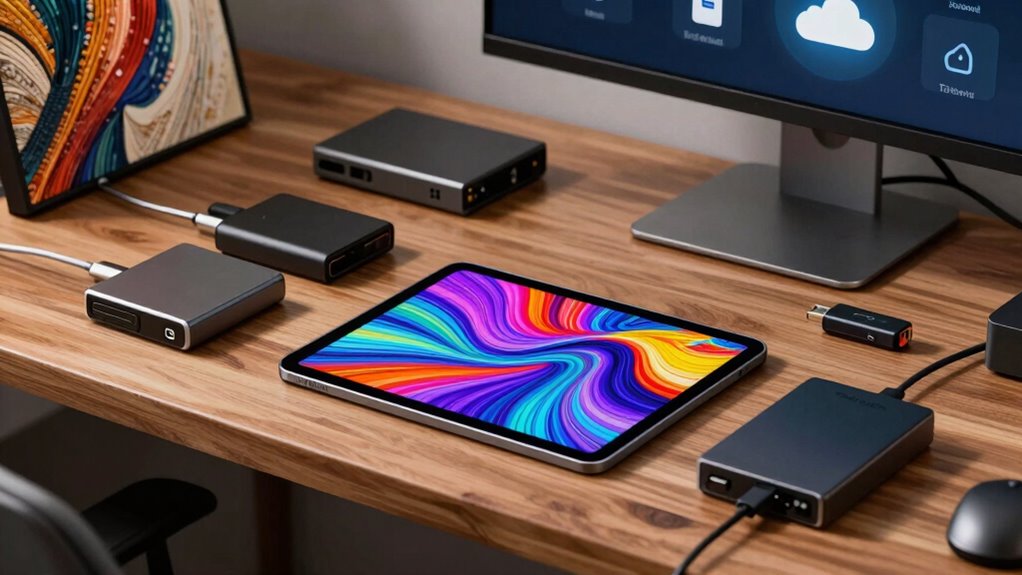
Have you ever considered what would happen to your art business if your digital files suddenly vanished? Losing your artwork, client files, or business documents can be devastating, especially when you don’t have a backup. That’s where establishing solid digital backup habits becomes essential. The first step is understanding the importance of using cloud storage. Cloud storage allows you to store your files securely online, making them accessible from anywhere and reducing the risk of physical damage or theft. Instead of relying solely on external hard drives or local storage, which can fail or be misplaced, cloud storage offers a reliable, off-site solution. When you regularly back up to the cloud, you guarantee that even if your computer crashes or your devices are compromised, your files remain safe and recoverable.
Data security should be a top priority as you develop your backup routine. Not all cloud storage services are created equal, so it’s vital to choose one with robust security measures. Look for providers that offer encryption both during data transfer and at rest. This way, your sensitive client information, high-resolution artwork, and business documents stay protected from hackers or unauthorized access. Implementing two-factor authentication adds an extra layer of security, making it harder for cybercriminals to breach your account. Regularly updating your passwords and keeping your software up-to-date further strengthens your digital defenses. Incorporating digital security practices into your routine can significantly reduce vulnerabilities and protect your valuable assets. Understanding the importance of cloud storage and how it complements your backup routine can help you make more informed decisions about safeguarding your work. Developing a comprehensive understanding of digital storage options can also help you optimize your backup strategy.
To make your backup habits effective, set a consistent schedule. You might back up your files daily or weekly, depending on how often you update your artwork or client records. Automating this process reduces the chances of forgetting, ensuring that your backup routine becomes a seamless part of your workflow. Keep multiple copies of your backups in different locations—perhaps one in the cloud and another on an external drive stored securely elsewhere. This redundancy safeguards you from data loss caused by hardware failure, natural disasters, or accidental deletion. Additionally, understanding digital backup habits and their significance can help you make informed decisions about protecting your creative assets. Regularly reviewing and updating your backup strategies can also help you adapt to new technologies and threats, ensuring ongoing safety. By staying aware of evolving digital backup practices, you stay one step ahead in safeguarding your valuable work.
Lastly, don’t overlook version control. As your projects evolve, saving different versions of your work can save you time and frustration if you need to revert to an earlier stage. Many cloud storage services provide version history, allowing you to retrieve previous versions easily. By practicing these habits—using cloud storage wisely, prioritizing data security, scheduling regular backups, and maintaining multiple copies—you create a safety net that safeguards your art business. In the unpredictable world of digital art, proactive backup routines become your best defense against unforeseen losses, giving you peace of mind to focus on what you do best: creating stunning artwork.
external hard drive for art backup
As an affiliate, we earn on qualifying purchases.
As an affiliate, we earn on qualifying purchases.
Frequently Asked Questions
How Often Should Art Businesses Back up Their Digital Files?
You should back up your digital files daily or weekly, depending on how often you create new art. Implement backup scheduling to guarantee consistency, and use file versioning to save different stages of your work. This way, you protect your creative assets from loss or corruption, keeping your art business secure. Regular backups help you stay confident, knowing your valuable files are safe, no matter what happens.
What Are the Best Cloud Storage Options for Art Files?
You should choose cloud storage options like Dropbox, Google Drive, or OneDrive, which excel in file synchronization and version control. These services allow you to keep your art files up-to-date across devices and easily revert to previous versions if needed. They also offer secure backups, making it simple to access your work anytime, anywhere, and safeguard your creative assets effectively.
How Can Art Businesses Ensure Backup Security and Privacy?
You can guarantee backup security and privacy by choosing reputable cloud services with strong encryption and access controls. Regularly update passwords, enable two-factor authentication, and restrict file sharing. Protect your art licensing and copyright by watermarking digital files and maintaining detailed records of ownership. These habits help prevent unauthorized use, safeguard your intellectual property, and keep your backups secure from cyber threats.
What Hardware Is Recommended for Reliable Digital Backups?
Did you know 60% of data loss incidents are due to hardware failure? For reliable digital backups, choose hardware with high durability, like enterprise-grade external drives or NAS systems. Prioritize devices with robust build quality to withstand daily use. Additionally, implement backup automation to guarantee consistent, hands-free data protection. This combination minimizes risks and keeps your art business’s digital assets safe and accessible at all times.
How to Recover Lost Digital Art Files Effectively?
To recover lost digital art files effectively, start by using file versioning, which allows you to restore previous versions of your work. Make sure backup automation is in place so your files are regularly saved without manual effort. Check your backup storage, whether cloud or external drives, and restore files from the most recent backup. Regularly testing your recovery process helps you stay prepared for any data loss emergencies.
cloud storage service for artists
As an affiliate, we earn on qualifying purchases.
As an affiliate, we earn on qualifying purchases.
Conclusion
By adopting consistent digital backup habits, you safeguard your art business against unforeseen data loss. Imagine losing all your digital portfolios overnight—devastating, right? But if you regularly back up files to a cloud service, you can restore everything quickly and keep your creative momentum going. Make backup routines a non-negotiable part of your workflow, and you’ll protect your art, reputation, and future success—no matter what surprises come your way.
As an affiliate, we earn on qualifying purchases.
digital asset version control software
As an affiliate, we earn on qualifying purchases.
As an affiliate, we earn on qualifying purchases.
Fall Picks
fall essentials
As an affiliate, we earn on qualifying purchases.