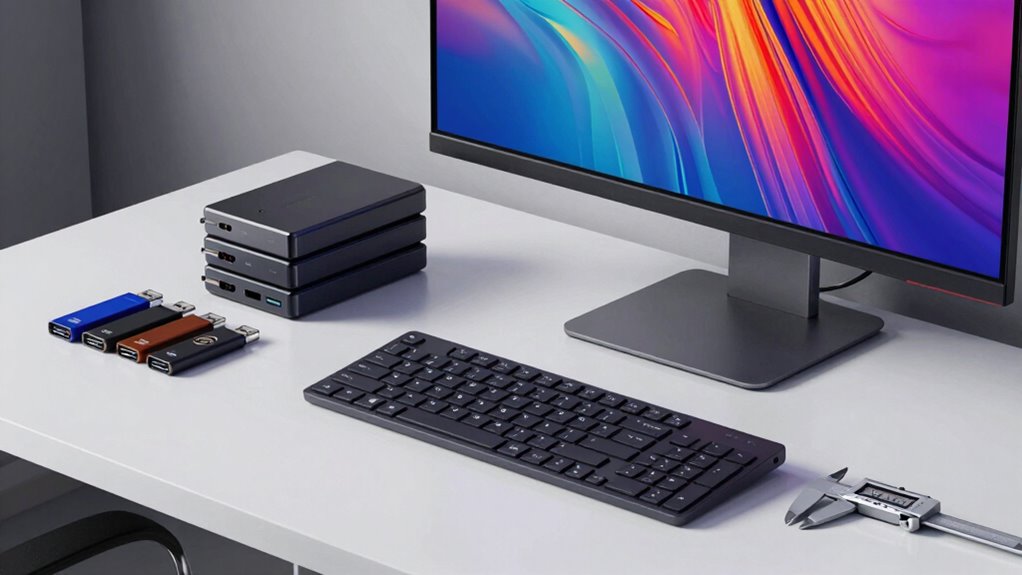

To archive digital art files for long-term access, choose open, stable formats like PNG, TIFF, or SVG to prevent obsolescence. Regularly back up your files using multiple options such as cloud storage and external drives, and keep different versions updated. Name your files clearly, add metadata, and periodically review and migrate them to newer formats and storage media. Continuing with these practices guarantees your art remains accessible well into the future.
Key Takeaways
- Save files in open, widely supported formats like PNG, TIFF, or SVG to ensure long-term accessibility.
- Regularly migrate files to current formats and storage media before hardware or software obsolescence.
- Implement consistent naming conventions and detailed metadata for easy retrieval and organization over time.
- Back up files regularly using multiple methods, including cloud and external drives, and verify their integrity.
- Maintain disciplined routines for reviewing, updating, and transferring files to reliable storage solutions periodically.

Western Digital WD 5TB Elements Portable External Hard Drive for Windows, USB 3.2 Gen 1/USB 3.0 for PC & Mac, Plug and Play Ready – WDBU6Y0050BBK-WESN
Plug-and-play expandability
As an affiliate, we earn on qualifying purchases.
As an affiliate, we earn on qualifying purchases.
Choose Stable, Open File Formats for Your Digital Art
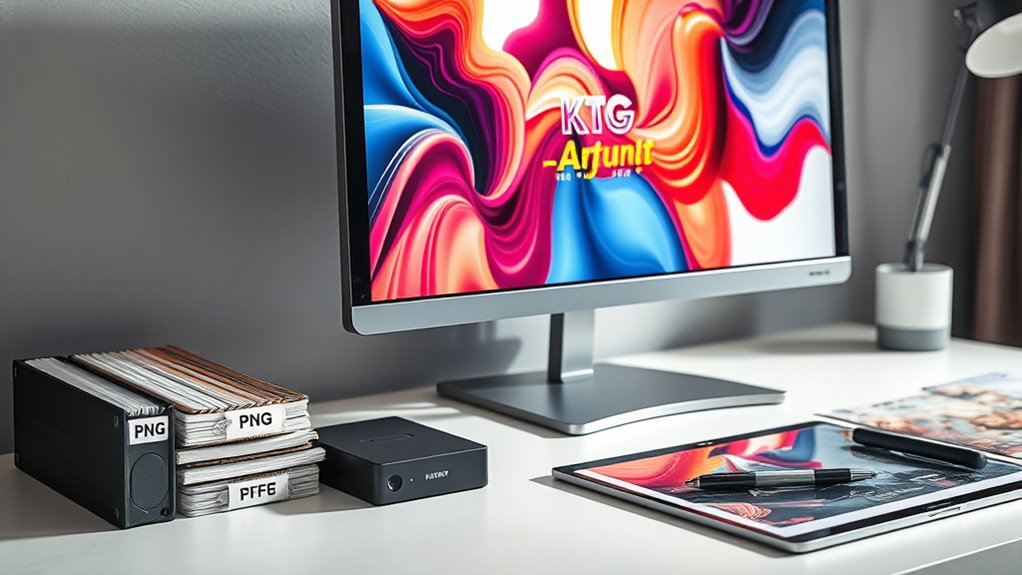
When it comes to archiving your digital art, choosing stable, open file formats is essential. You want formats with broad file format compatibility that won’t become obsolete quickly. Open source standards like PNG, TIFF, or SVG ensure your files remain accessible over time, regardless of future software updates or platform changes. These formats are widely supported across different programs and operating systems, reducing the risk of losing access. European cloud infrastructure can further enhance the security and longevity of your stored files by providing reliable, energy-efficient storage solutions. Avoid proprietary formats that may be restricted or require specific software, which could become unavailable. By selecting stable, open file formats, you safeguard your artwork’s longevity, making sure you can open, edit, and share your creations decades from now without hassle. This approach forms a solid foundation for reliable digital art archiving.

How to Use Amazon Photos for Cloud Storage and Sharing: Organize & Share Your Memories Effortlessly. Quick & Easy to Follow Instructions. (How to Guides Book 49)
As an affiliate, we earn on qualifying purchases.
As an affiliate, we earn on qualifying purchases.
Back Up Your Files Regularly With Multiple Storage Options
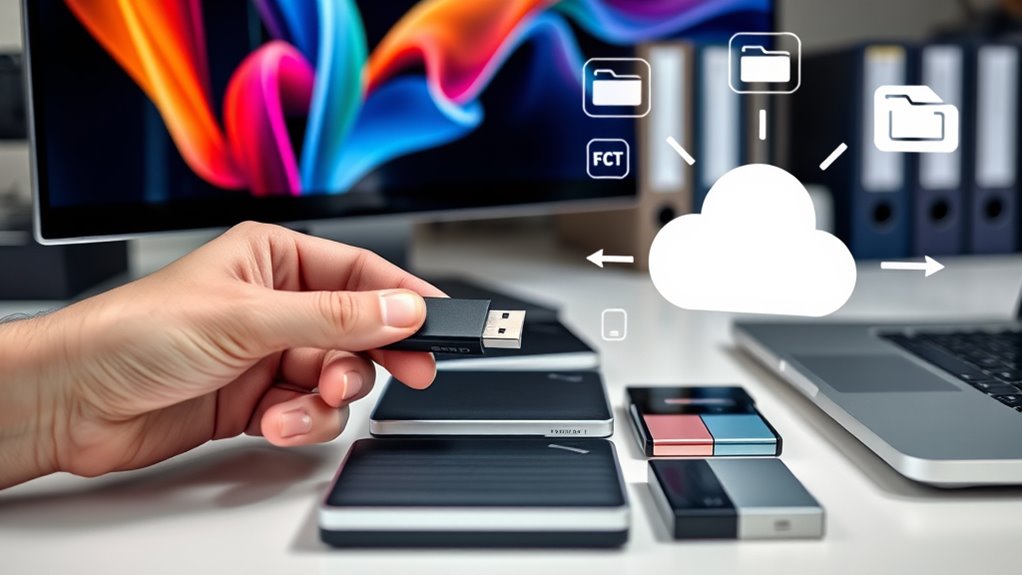
To safeguard your digital art files, you should back them up regularly using different storage methods. Cloud storage offers easy access and automatic updates. External drives give you physical security. Combining both ensures your files stay safe even if one storage option fails. Utilizing multiple backup strategies enhances data security and reduces the risk of losing valuable artwork.
Use Cloud Storage
Using cloud storage is one of the most effective ways to keep your digital art files safe and accessible. It allows you to access your work from anywhere and easily share files through secure links, simplifying file sharing with clients or collaborators. You can set access permissions to control who views or edits your artwork, ensuring your files stay protected. Cloud services automatically back up your files, reducing the risk of data loss due to hardware failure or accidents. Regularly uploading your latest files guarantees your archive stays current. Just be sure to use reputable providers that offer encryption and reliable uptime. Implementing version control within your cloud storage can help you track changes over time and recover previous iterations if necessary. Additionally, choosing long-term digital storage options designed for archival purposes can further ensure your files remain intact over the years. Employing digital preservation strategies can help extend the longevity of your files beyond current technology, safeguarding your artwork for future access. Incorporating redundant backup methods, such as local external drives or offline storage, adds an extra layer of security. Using a combination of cloud and local storage creates a comprehensive backup system, so your digital art remains safe and accessible for years to come.
Maintain External Drives
Regularly backing up your digital art files to external drives is essential for safeguarding your work against hardware failures and accidental deletions. To maximize external drive longevity, rotate your drives and avoid leaving them constantly connected, which can cause wear. Follow drive formatting best practices by using reliable file systems like exFAT or APFS to ensure compatibility across devices and minimize corruption risks. Keep your external drives in a cool, dry environment, and periodically check their health with drive utility tools. When formatting, back up existing data beforehand to prevent accidental loss. Regular maintenance and careful handling help extend your drives’ lifespan and ensure your files remain accessible over time. Additionally, proper file management strategies can help streamline your workflow and protect your digital assets. This proactive approach reduces the risk of losing valuable digital art in the future.

GIMP 2025 Photo Editor USB – Compatible with Windows – Full Image Editing Software – Open Source Alternative to Photoshop – Includes PDF Guide
Professional image editing software for Windows and macOS, preloaded on a convenient USB drive with no internet required…
As an affiliate, we earn on qualifying purchases.
As an affiliate, we earn on qualifying purchases.
Keep Multiple Versions and Copies Over Time
To safeguard your digital art, you should keep multiple versions and copies over time. Using version control strategies and storing files in multiple locations helps prevent data loss. Establishing a regular backup schedule ensures your work stays safe as your collection grows. Incorporating secure storage solutions and understanding digital archiving best practices can further enhance the longevity and accessibility of your files. Additionally, employing file organization techniques makes it easier to locate specific versions when needed.
Version Control Strategies
Keeping multiple versions and copies of your digital art files is essential to protect your work from accidental loss or overwriting. Implementing effective version control strategies helps you manage change tracking over time.
Use versioning systems that automatically save incremental updates, allowing you to revisit previous iterations if needed. Naming conventions, such as adding dates or version numbers, make it easier to identify specific stages of your project. Regularly saving new versions prevents data loss from unexpected issues.
Multiple Storage Locations
Storing multiple copies of your digital art files across various locations safeguards your work against hardware failures, accidental deletions, or file corruption. By maintaining redundant backups and utilizing offsite storage, you ensure your art remains safe even if one location is compromised. This redundant backup strategy provides an additional layer of security and peace of mind. Consider these emotional benefits:
| Security | Peace of Mind | Longevity |
|---|---|---|
| Protects your work | Reduces stress | Ensures future access |
| Prevents loss | Confidence in safety | Keeps art alive |
| Multiple copies | Backup resilience | Long-term preservation |
| Offsite storage | Security beyond home | Future-proofing |
Distributing your files creates a safety net, allowing your digital art to survive unforeseen events and stand the test of time. Additionally, implementing secure storage practices can further enhance the safety of your valuable files. For example, regularly updating your backups helps guard against file corruption and ransomware threats. Incorporating version control methods can also help you track changes and recover previous iterations if needed.
Regular Backup Schedule
Establishing a regular backup schedule is essential for maintaining multiple versions and copies of your digital art over time. Consistent backups support effective digital preservation, ensuring your work remains accessible despite hardware failures or accidental deletions. Regular backup routines also help you stay organized and aware of your files’ current status. By scheduling backups regularly—whether weekly or monthly—you keep your files current and reduce the risk of data loss. Proper file organization during backups helps you track different versions, making it easier to revert to earlier stages if needed. Use clear naming conventions and folder structures to distinguish between versions. Automating backups with reliable software minimizes manual effort and guarantees consistency. Additionally, implementing file versioning systems can further enhance your ability to manage and restore your artwork efficiently. A disciplined backup routine not only safeguards your artwork but also simplifies long-term management, helping you access your digital art easily in the future.
Digital Asset Management Software A Complete Guide
As an affiliate, we earn on qualifying purchases.
As an affiliate, we earn on qualifying purchases.
Use Cloud Storage Designed for Long-Term Preservation
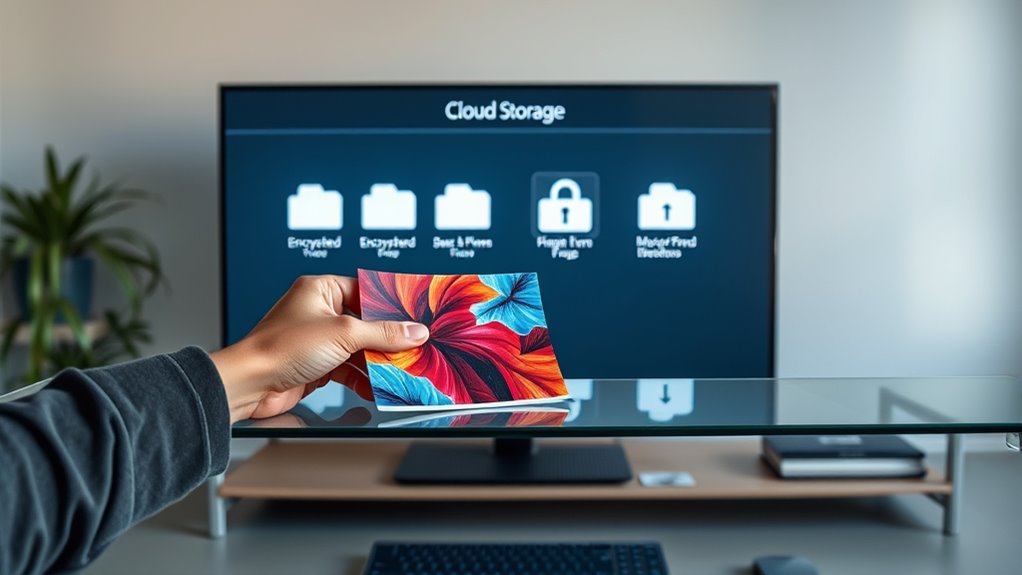
When choosing cloud storage for long-term preservation of your digital art files, it’s essential to select a service specifically designed for durability and data integrity over time. Look for providers that prioritize cloud preservation, ensuring your files remain intact and accessible years from now. These services often use redundant storage, error correction, and regular integrity checks to promote digital longevity. Implementing error correction mechanisms can significantly reduce the risk of data corruption over time. Reliable data preservation is crucial to maintain the quality and accessibility of your artwork over the years. Additionally, choosing a platform with resilient storage infrastructure can help prevent data loss due to hardware failures or cyber threats. Opting for services that employ long-term storage standards ensures your files are managed according to industry best practices for archival quality. It’s also beneficial to consider platforms that implement digital preservation protocols to further enhance long-term accessibility. Avoid platforms that focus solely on quick access or short-term backups, as they may not meet the needs of archival quality. Instead, opt for solutions with a proven track record of data durability and compliance with long-term storage standards. Properly chosen cloud storage helps safeguard your artwork, making sure it stays accessible and uncorrupted for years to come.
Name Files Clearly and Add Useful Metadata
Naming your digital art files clearly and adding useful metadata guarantees you can easily locate and organize your work later. Use consistent filename conventions, including details like project name, date, and version number, to make files instantly recognizable. Avoid vague titles like “art1” or “final,” which can cause confusion. Incorporate metadata tagging to attach relevant information—such as artist name, creation date, medium, or keywords—directly to your files. This extra layer of detail enhances searchability and guarantees your files remain accessible over time. Additionally, staying informed about AI-driven solutions in healthcare and digital management can help you implement innovative tools for organizing and preserving your digital art archives. Implementing digital preservation strategies can further ensure your files are protected against data loss or corruption, making it easier to retrieve your artwork years later. Regularly updating your backup procedures is essential to prevent data loss from hardware failures or accidental deletions. Combining these methods with regular backups ensures your files are safeguarded from unexpected hardware failures or accidental deletion. Employing file versioning techniques can help you keep track of changes and revert to earlier iterations if needed. Clear filenames combined with thorough metadata make it easier to retrieve specific pieces, track progress, and maintain an organized archive that stands the test of time.
Avoid Proprietary Software That Might Become Obsolete
Relying on proprietary software for your digital art files can pose risks if that software becomes obsolete or unsupported over time. When software compatibility ends, opening or editing your files may become impossible. To preserve your work’s integrity, opt for open formats and standard tools. This ensures better file format longevity and reduces dependency on specific programs. Consider this comparison:
| Proprietary Software | Open Standards |
|---|---|
| Might become unsupported | Widely compatible |
| Risk of losing access | Ensures future accessibility |
| Limited file formats | Broad compatibility |
| Obsolescence threat | Long-term preservation |
Choosing open formats and avoiding proprietary software helps safeguard your digital art, making sure you can access and enjoy your creations decades from now.
Review and Migrate Files to New Formats and Storage Media
After ensuring your files are saved in open, widely supported formats, it’s important to periodically review your digital art collection. This helps maintain file format compatibility as technology evolves and prevents future access issues.
Regularly migrating your files to newer formats ensures they stay accessible and reduces the risk of data corruption. Additionally, assess your storage media’s hardware longevity; older drives may fail or become obsolete. Transfer files to current, reliable storage solutions before hardware becomes unreliable.
Frequently Asked Questions
How Do I Choose the Best File Format for Long-Term Access?
You should choose a widely supported, non-proprietary format like TIFF or PNG for long-term access, as they guarantee file format compatibility and preserve color profiles effectively.
These formats maintain high image quality and retain color accuracy over time. Avoid proprietary formats that might become obsolete, and always embed color profiles to keep your artwork’s colors consistent.
This approach ensures future-proof access to your digital art.
What Are the Most Reliable Cloud Storage Providers for Archiving?
You should choose reliable cloud storage providers like Google Drive, Dropbox, or OneDrive for digital preservation. These platforms offer secure, accessible cloud storage options that help safeguard your digital art files long-term.
Make certain you regularly back up your files across multiple services and keep track of any format updates. By selecting trusted providers, you enhance your digital preservation efforts and ensure your artwork remains accessible in 10 years.
How Often Should I Update or Migrate My Digital Art Files?
You should update or migrate your digital art files every 3 to 5 years. Regularly check your files’ file format to guarantee compatibility with current software.
Transfer them to newer storage media as older ones become obsolete. This proactive approach prevents data loss and keeps your art accessible.
What Metadata Is Most Useful for Future Retrieval and Context?
You should include descriptive file naming and follow established metadata standards like IPTC or XMP for future retrieval.
Use keywords, creation date, artist info, and project details to add meaningful context. This makes your digital art files easier to find and understand later.
Keep metadata consistent and update it as needed, ensuring your archive remains organized and accessible over time.
How Can I Ensure My Storage Media Remains Accessible Over Decades?
To guarantee your storage media remains accessible over decades, regularly transfer your files to newer formats and media. Use file compression to save space without losing quality, and encrypt sensitive data for security.
Periodically check the integrity of your files, update storage devices, and keep backups in multiple locations. This proactive approach guarantees your digital art stays safe, accessible, and compatible with future technology.
Conclusion
To guarantee your digital art stays accessible in the future, stick to stable, open formats and back up your files regularly using multiple storage options. Keep different versions, use cloud storage designed for long-term preservation, and name your files clearly with relevant metadata. Avoid proprietary software that might become obsolete. By reviewing and migrating your files over time, you’ll safeguard your artwork and enjoy access even a decade from now.