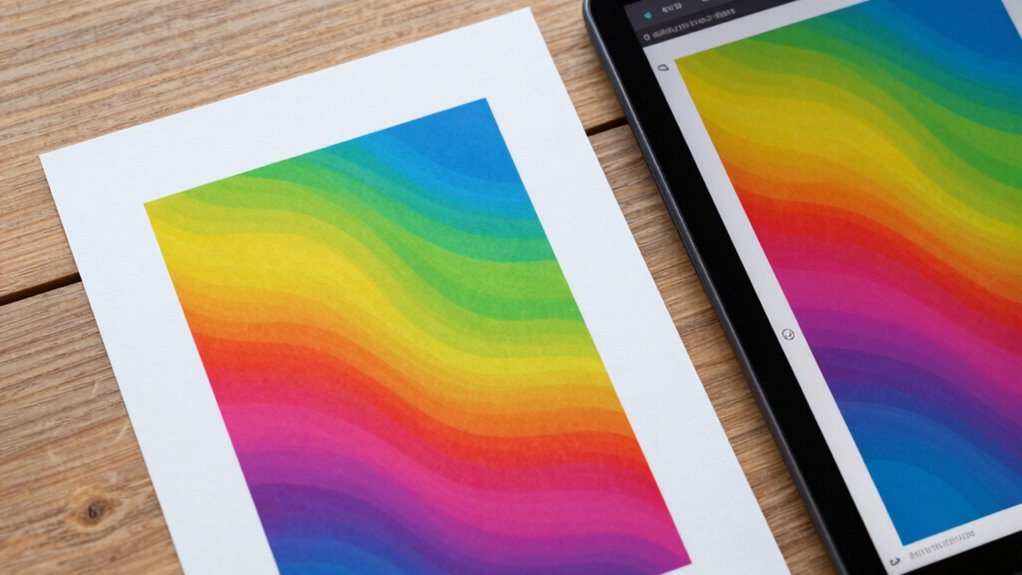

To understand the difference between an image file and a print, you need to take into account color modes, resolution, and format. Digital files use RGB and are optimized for screens, usually at 72 or 96 PPI. Prints require CMYK and a higher resolution, typically 300 PPI, for clarity. File size, compatibility, and color profiles also play a role. Keep these differences in mind, and you’ll guarantee your images look their best both on screen and in print. If you continue, you’ll uncover even more key details.

Prime made for students and young adults
- Fast, free delivery for dorm and study essentials
- Prime Video and Amazon Music included
- Member-only deals
Key Takeaways
- Digital image files use RGB color mode and lower resolution (72-96 PPI), while prints require CMYK and 300 PPI for quality.
- Files for digital use are optimized for screen display, whereas print files prioritize color accuracy and high resolution.
- Proper file formats and color profiles ensure consistent appearance across digital screens and printed materials.
- Print images are larger in file size due to higher resolution and color mode, affecting transfer and storage.
- Understanding the intended medium guides appropriate file preparation, ensuring vibrant, accurate, and professional results.
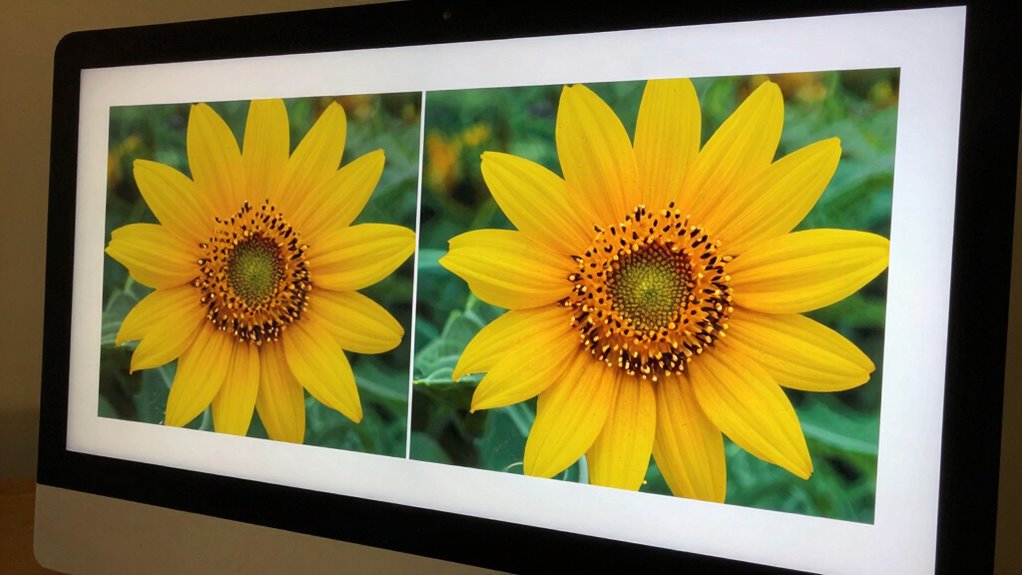
In today’s digital age, understanding the differences between image files and printed images is essential for anyone working with visual content. When you’re preparing an image for either digital display or print, knowing how these formats differ helps ensure your final product looks professional and meets expectations. One key aspect is color accuracy. Digital images often display colors differently than printed images because screens use light to produce color, whereas print relies on ink absorption. If your goal is to match colors across both mediums, you need to pay close attention to color profiles and calibration. Digital files typically use RGB (Red, Green, Blue) color mode, optimized for screens, but printing often requires CMYK (Cyan, Magenta, Yellow, Black) to achieve more accurate color reproduction. Without converting or adjusting these color modes properly, your printed images might look dull, oversaturated, or off-tone compared to what you see on your monitor. Additionally, understanding the color mode differences helps prevent costly mistakes in the production process. Resolution requirements also play a vital role in differentiating between image files and print. Digital images are usually created at lower resolutions, such as 72 or 96 pixels per inch (PPI), because screens don’t need high detail to look sharp. However, print demands much higher resolution—typically 300 PPI—to ensure the image maintains clarity and sharpness when scaled to physical size. If your image file doesn’t meet the resolution requirements for print, the final output could appear pixelated or blurry, no matter how good your original file looks on screen. Conversely, an image designed for print at high resolution might be unnecessarily large for digital use, resulting in longer load times and larger file sizes without any visual benefit on screens. Understanding these differences means you also need to consider the intended use of the image. For digital purposes, focus on optimizing color accuracy within RGB mode and maintaining a resolution suitable for your display device. For print, ensure your file has the appropriate resolution, typically 300 PPI, and is in CMYK to guarantee color fidelity. This knowledge helps you prepare files correctly, avoiding surprises when printing or publishing digitally. Being aware of file size considerations is also important, as larger files can impact storage and transfer times. Additionally, understanding print color profiles is crucial for achieving consistent results across different printers and materials. Recognizing how Digital images transfer from the digital realm to the physical world empowers you to produce images that look consistent, vibrant, and professional, regardless of the medium. Properly managing file formats ensures compatibility and optimal quality for both digital and print outputs.
Popular right now

De'Longhi La Specialista Touch Semi-Automatic Espresso Machine with Grinder

Hisense 40-Inch Class QD4SR Series Hi-QLED FHD Smart Roku TV (2026 Model)

Ninja CREAMi 7-in-1 Ice Cream Maker, NC301
As an affiliate, we earn on qualifying purchases.
Frequently Asked Questions
How Does Color Accuracy Differ Between Digital Images and Printed Prints?
Color accuracy varies between digital images and printed prints because screens use light, while prints rely on reflected light. You can improve color consistency by applying proper color calibration and using specific color profiles for your devices. Digital images often appear more vibrant due to backlit screens, but prints may lose some color fidelity. By calibrating your monitor and printer, you guarantee that colors match more closely across both formats.
What File Formats Are Best for High-Quality Printing?
For high-quality printing, you should use uncompressed or minimally compressed file formats like TIFF or PNG, which preserve image quality. These formats support embedded color profiles, guaranteeing color accuracy. Avoid heavily compressed formats like JPEG, which can degrade quality. Proper color profiles are essential for accurate color reproduction, especially across different devices and printers. Using the right format and embedding color profiles ensures your print looks sharp, vibrant, and true to your digital image.
Can an Image Look Different on Various Screens Before Printing?
Yes, an image can look different on various screens before printing. You should guarantee screen calibration to maintain accurate color display and achieve color consistency across devices. Differences in monitor settings, lighting, and calibration can cause color discrepancies. By calibrating your screens regularly and viewing images on multiple devices, you can better predict how your print will look, reducing surprises and ensuring your final print matches your intended design.
How Does Resolution Impact Print Quality Versus Digital Display?
Think of resolution as the heartbeat of your images—higher pixel density means crisper prints and sharper displays. When printing, if your resolution is too low, colors can look dull or pixelated, like an old TV. Proper color calibration guarantees your colors match across screens and prints, maintaining quality. For digital displays, resolution impacts clarity; for prints, it’s essential for sharpness and color accuracy, making your images truly come alive.
Is It Possible to Convert a Print Back Into a Digital Image?
Yes, you can convert a print back into a digital image through digital scanning. When you scan a print, you create a digital file that captures its details. For better results, especially if the print is old or damaged, you might use image restoration techniques to enhance the scanned image. This process helps preserve the original’s quality and allows you to work with a digital version for editing or sharing.
Conclusion
Understanding the difference between an image file and a print helps you make smarter choices, whether you’re sharing digital art or preparing for a display. Recognize that an image file captures your vision in pixels, while a print transforms that vision into a tangible piece. Appreciate that each serves a unique purpose, each requires specific attention, and each offers a different experience. Mastering this distinction empowers you to create, share, and enjoy your images with clarity, confidence, and purpose.