
Choosing between TIFF and JPEG depends on your need for quality versus file size. TIFF offers lossless storage, preserving every detail and color, perfect for printing and archiving. JPEG compresses images, which can cause artifacts and detail loss if overused, risking damage to your art. When quality matters most, TIFF is ideal; for sharing and quick use, JPEG works. Want to protect your artwork while optimizing storage? Keep exploring to find out more.
Key Takeaways
- TIFF offers lossless, high-quality storage ideal for detailed artwork and printing, while JPEG uses lossy compression suited for sharing.
- Excessive JPEG compression introduces artifacts, blurring details and degrading artwork, whereas TIFF preserves image integrity.
- Properly managed JPEG compression can maintain quality for digital display, but over-compression damages fine details.
- TIFF is preferred for professional workflows, archiving, and high-resolution printing; JPEG is better for quick sharing and web use.
- Choose TIFF for maximum fidelity and long-term storage; select JPEG when file size and speed are priorities, balancing quality accordingly.
professional TIFF image editor
As an affiliate, we earn on qualifying purchases.
As an affiliate, we earn on qualifying purchases.
What Are TIFF and JPEG Files?
Have you ever wondered what distinguishes TIFF and JPEG files? Both are popular formats used for storing digital images, but they serve different purposes. TIFF files are known for their high-quality, lossless digital storage, making them ideal for detailed artwork and professional printing. They preserve every detail, but this results in larger file sizes. JPEG files, on the other hand, use lossy compression to considerably reduce file size, making them more convenient for sharing and quick viewing. However, this compression can impact image quality over time. Understanding the compression techniques used in each format helps you choose the right one for your needs. Additionally, the file compatibility of these formats varies; JPEGs are widely supported across devices and platforms, while TIFFs are more specialized, often requiring specific software. Recognizing these differences is key to selecting the most appropriate format for your art projects.
high resolution TIFF printer paper
As an affiliate, we earn on qualifying purchases.
As an affiliate, we earn on qualifying purchases.
How Do JPEG and TIFF Compression Work?
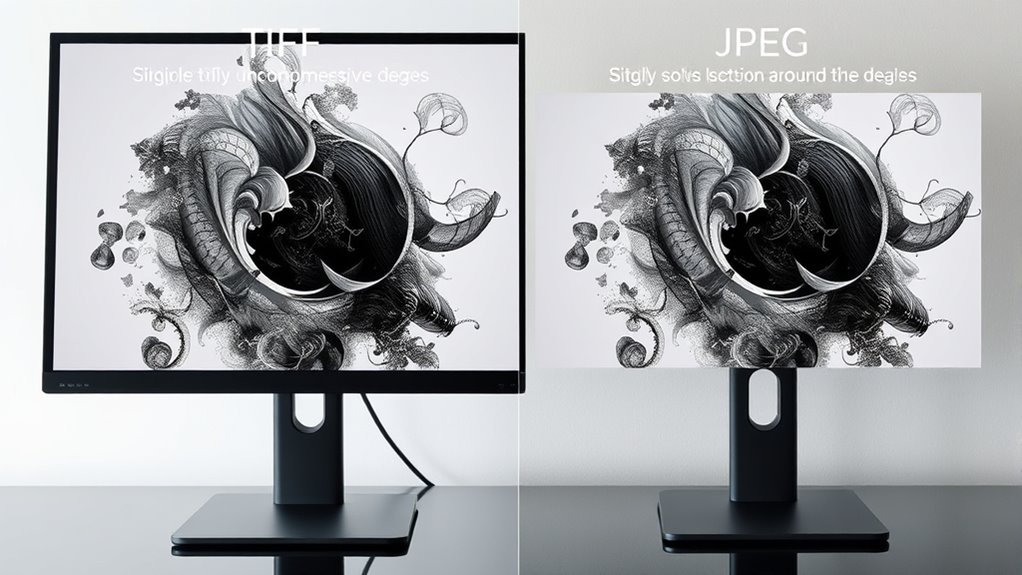
You’ll see that JPEG and TIFF use different compression techniques to reduce file size. JPEG often employs lossy methods that sacrifice some image detail.
TIFF can use lossless methods to preserve quality.
Understanding how these approaches impact image quality helps you choose the right format for your art.
Compression Techniques Compared
JPEG and TIFF use fundamentally different approaches to compress image data, which considerably impacts image quality and file size. JPEG employs lossy compression, reducing file size by discarding some image information, making it ideal for digital storage where smaller files are preferred. This compression can affect detail, especially at higher compression levels, but often remains visually acceptable.
TIFF, on the other hand, typically uses lossless compression, preserving all image data, which makes it suitable for printing standards that demand high fidelity. TIFF files are larger but retain quality essential for detailed art reproduction.
Understanding these techniques helps you choose the right format based on your needs—whether prioritizing minimal storage or maintaining maximum quality for printing and archiving.
Lossless vs. Lossy Methods
JPEG compresses images by removing some data permanently, which reduces file size but can sacrifice detail. This lossy method is common for digital preservation where smaller files are needed, but it can impact color accuracy and fine details.
Lossless compression, used by TIFF, preserves all original data, making it ideal for maintaining image integrity and ensuring accurate color reproduction. When deciding between the two, consider whether you need to retain every detail or prioritize smaller file sizes.
Lossless methods are better for archiving high-quality artwork, while lossy JPEGs suit situations where storage space is limited, and some quality loss is acceptable. Understanding how each compression type works helps you choose the right method for your digital preservation needs and artistic integrity.
Effect on Image Quality
Understanding how compression works is key to grasping its effect on image quality. JPEG uses lossy compression, which reduces file size by discarding some image data. This often affects color fidelity, causing subtle shifts in hues or muted tones, especially at higher compression levels. Different imaging setups can influence how compression artifacts appear and how noticeable they are. Artifact visibility becomes more prominent with aggressive compression, presenting as blocky edges or ringing around details. Conversely, TIFF employs lossless compression, preserving all original data, so color fidelity remains intact and artifacts are virtually nonexistent. However, TIFF files tend to be larger. When choosing between them, consider whether maintaining perfect image quality outweighs the need for smaller files. For art, where detail and color accuracy matter, TIFF generally offers superior image quality, but JPEG can be suitable for quick previews or web use.
JPEG compression software
As an affiliate, we earn on qualifying purchases.
As an affiliate, we earn on qualifying purchases.
When Does Compression Damage Your Artwork?
When you compress your artwork, you risk losing important details that make your piece stand out.
Sometimes, colors can shift or become less accurate, affecting the overall look.
Recognizing these signs helps you decide when compression is doing more harm than good.
Loss of Detail
Even subtle compression can cause noticeable loss of detail in your artwork, especially when using lossy formats. This can lead to a reduction in sharpness and fine lines, making textures and subtle shading less distinct. Compression artifacts may introduce digital noise, which masks delicate details. Additionally, it can affect color fidelity, causing colors to appear flattened or less vibrant. To illustrate, consider the following:
| Compression Level | Detail Loss | Impact on Artwork |
|---|---|---|
| Low | Slight, barely noticeable | Maintains most details |
| Medium | Moderate, some blurring | Details start to fade |
| High | Severe, artifacts prominent | Significant detail loss |
Choosing the right compression guarantees your art preserves its clarity and depth.
Color Shifting
Color shifting occurs when compression algorithms alter the original hues in your artwork, especially under higher compression levels. This issue directly impacts color fidelity, causing your carefully chosen tones to appear differently than intended.
When compression induces color shifting, the subtle nuances and consistency in your artwork can be lost, making colors look unnatural or washed out. JPEG compression is particularly prone to this problem because it reduces data by approximating colors, which can distort hues.
To preserve the integrity of your artwork’s colors, avoid excessive compression or choose lossless formats like TIFF. Recognizing when color shifting happens helps you decide the best format for maintaining accurate color representation, ensuring your art looks as vibrant and true-to-life as you envisioned.
archival quality TIFF storage
As an affiliate, we earn on qualifying purchases.
As an affiliate, we earn on qualifying purchases.
When Won’t Compression Harm Your Image Quality?
Compression doesn’t always degrade image quality if you use it carefully. When your artwork is intended for high-quality printing, maintaining the right print resolution ensures details stay sharp, even after compression. Additionally, preserving accurate color profiles is vital; when these are embedded correctly, your colors remain true, minimizing visual discrepancies. If you keep the resolution high and manage color profiles properly, compression won’t substantially impact your final output. Being aware of battery lifecycle considerations can further help maintain image integrity over time, especially when storing or transferring files. Properly choosing storage formats that support high fidelity can also prevent unintended quality loss during file management. Understanding file compression techniques helps ensure you don’t sacrifice quality unnecessarily during the editing or sharing process, especially for digital artwork where details are paramount.
How to Pick the Best Format for Your Art Workflow
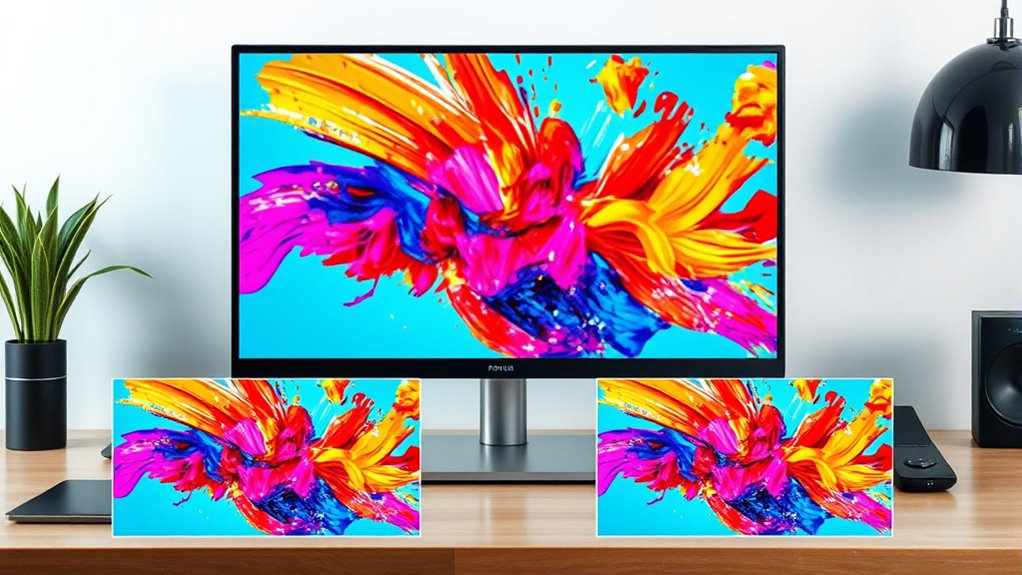
Choosing the right format for your art depends on how you’ll use and share your work. Consider file compatibility: if you need your images to open across different programs or devices, TIFF offers broad support, making it ideal for professional workflows. file compatibility is a crucial factor in ensuring your artwork remains accessible and editable across various platforms. TIFF files are also favored in print workflows because of their high quality and detail preservation, which is essential for professional output. Additionally, TIFF supports layered editing, allowing for more flexibility in post-processing without quality loss. JPEGs are widely compatible too, especially for online sharing, but may introduce compression artifacts. Storage efficiency also matters; JPEGs typically take up less space, which is useful for large projects or limited storage. TIFF files are larger but preserve maximum quality, perfect for high-resolution printing or archiving. Your decision hinges on balancing these factors—if you prioritize quality and compatibility for editing, TIFF is better. For easy sharing and saving space, JPEG can suffice. Tailor your choice based on your specific project needs and how you plan to use your artwork.
Tips for Managing File Sizes and Maintaining Quality

To effectively manage your file sizes while maintaining high image quality, start by selecting the appropriate file format based on your project’s needs. For better file size optimization, consider using archive formats like ZIP for storage or sharing. These formats reduce size without sacrificing quality, especially for TIFF or JPEG files. Keep in mind, balancing compression and quality is key. Use the table below to guide your choices:
| Goal | Recommended Approach |
|---|---|
| Minimize storage space | Use archive formats with lossless compression |
| Preserve high quality | Opt for TIFF or high-quality JPEG |
| Quick sharing and editing | Choose compressed JPEGs |
| Long-term archiving | Save as TIFF with minimal compression |
Additionally, understanding content preservation techniques can help ensure your images retain their integrity over time. Employing proper file management practices can further extend the longevity of your digital art. Incorporating reliable storage solutions can also safeguard your files against data loss and corruption.
How to Choose the Right Format for Your Artistic Needs
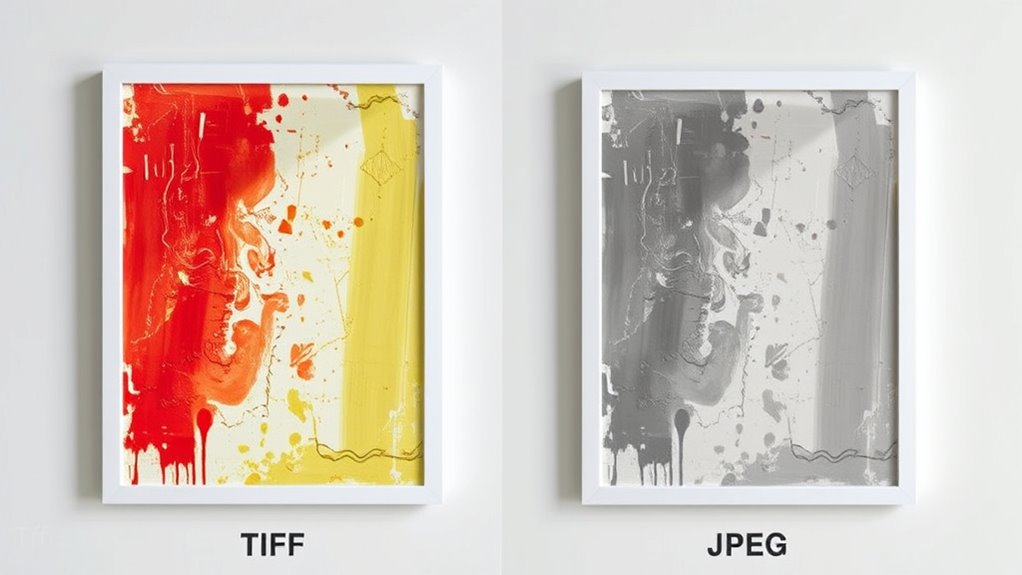
Selecting the right image format depends on what you plan to do with your artwork. If you need high-quality images for printing or archiving, TIFF is ideal because it preserves detailed metadata and supports digital watermarking, protecting your work’s integrity. TIFF files retain full color depth and quality, making them suitable for professional use. Additionally, TIFF’s metadata preservation capabilities ensure that important information about your artwork remains intact over time. Since TIFF files can also support long-term storage without quality loss, they are excellent for archival purposes. Their ability to maintain original details makes TIFF highly suitable for professional printing and preservation. Moreover, TIFF files are often preferred in workflows where digital watermarking is necessary to secure intellectual property rights. Conversely, if you prioritize quick sharing or web display, JPEG offers smaller file sizes with acceptable quality, though it may compromise metadata preservation and digital watermarking capabilities.
Choose TIFF for high-quality, detailed, and archival artwork preservation.
Consider your priorities: for detailed, archival, or protected artwork, TIFF is better; for casual sharing or online use, JPEG works well. Assess your needs carefully to choose the format that best balances quality, file size, and long-term usability.
Frequently Asked Questions
Can TIFF or JPEG Handle Transparency Better?
You’ll find TIFF handles transparency better since it supports alpha channels and transparency layers, making it ideal for detailed artwork.
JPEG, on the other hand, doesn’t support transparency at all, so it’s not suitable if you need transparent backgrounds.
If your project requires maintaining transparency, opting for TIFF guarantees your alpha channel remains intact, giving you more control over transparency effects without quality loss.
Which Format Is More Suitable for Online Art Sharing?
For online art sharing, JPEG is more suitable because it offers better file compatibility across platforms and devices.
While TIFF provides higher color accuracy, its larger file size can hinder quick uploads and viewing.
JPEG’s compression balances quality and file size, making it ideal for web use.
Keep in mind, however, that excessive compression may reduce image quality, so choose settings that preserve color accuracy without sacrificing compatibility.
Are There Other Formats Better Than TIFF or JPEG?
You might consider formats like PNG or SVG, which often outperform TIFF and JPEG for art. PNG supports lossless compression and transparency, making it ideal for detailed images.
SVG uses vector graphics for scalability without quality loss. Both formats preserve color profiles better, ensuring your art looks consistent across devices.
These options are especially useful for web sharing, offering quality and flexibility beyond traditional TIFF and JPEG.
How Do Compression Artifacts Affect Digital Printing Quality?
Compression artifacts can considerably impact your printing quality by creating unwanted distortions, blurriness, or pixelation. When these artifacts are present, they reduce the sharpness and detail of your artwork, making prints look less professional.
To avoid this, choose formats that minimize compression or use lossless options, ensuring your digital images retain their quality. Properly managing compression helps produce sharper, clearer prints that accurately reflect your original artwork.
Is Lossless Compression Always Preferable for Artwork?
Lossless compression isn’t always preferable for artwork, but it offers benefits like preserving image quality without artifacts.
You should use lossless when maintaining maximum detail matters, even if it means larger file sizes.
However, if storage or transfer speed is a concern, lossy formats like JPEG can be suitable, though they may compromise some detail.
Ultimately, choose lossless to guarantee the highest quality for your artwork’s fidelity.
Conclusion
Choosing between TIFF and JPEG depends on your art’s needs. If you want high quality with no compression loss, go for TIFF. But if you need smaller files for quick sharing or web use, JPEG can work, just be mindful of compression artifacts. Consider your workflow and how you’ll use your artwork. With the right choice, you’ll keep your art looking its best while managing file sizes effectively.